
sell usdt to mpesa in kenya: A Practical Cash-Out Guide
Selling USDT for Kenyan shillings through M-Pesa starts with finding a suitable buyer—not just the highest advertised rate. Here’s how to check costs, verify payment, and release your crypto safely.
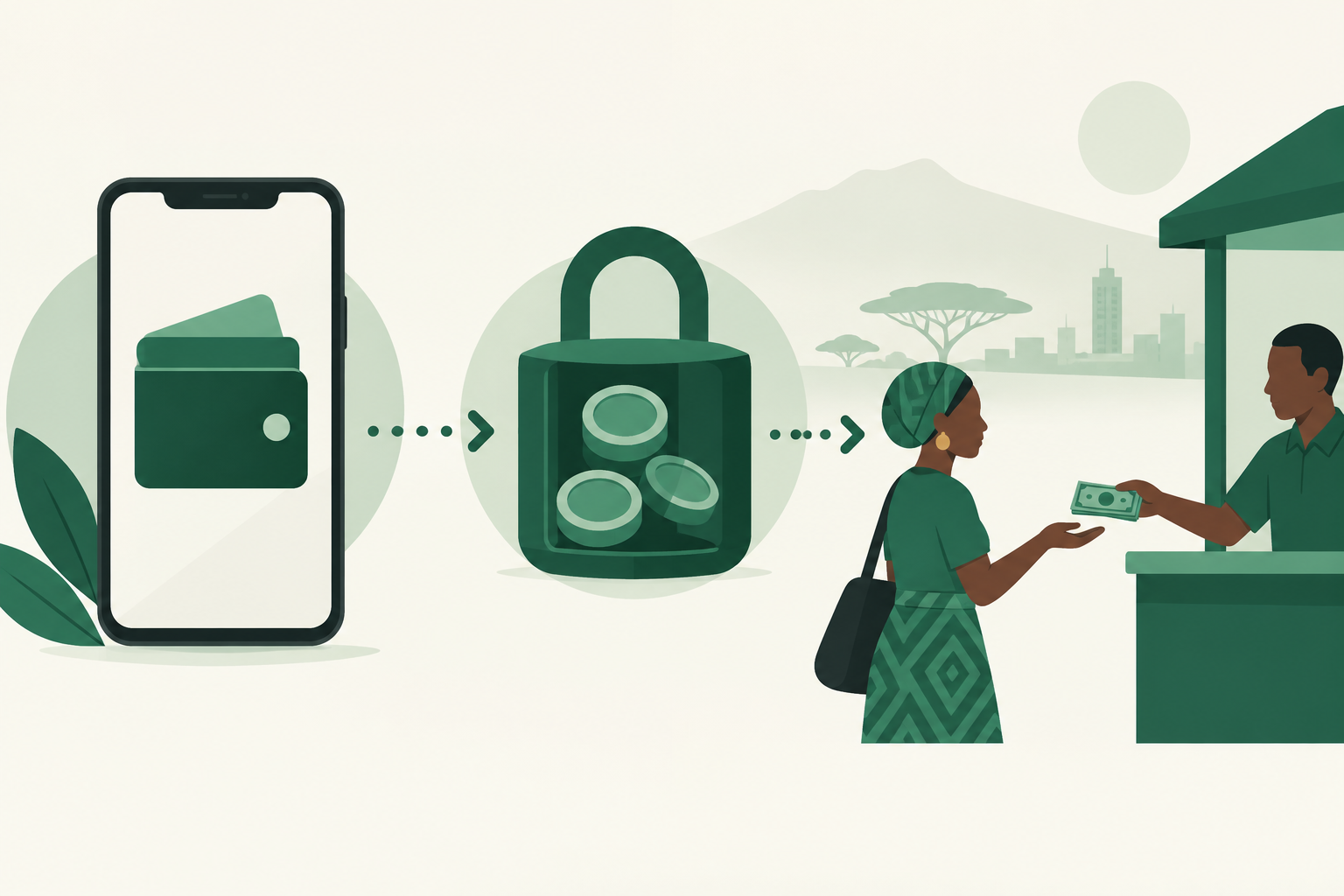
To sell USDT to M-Pesa in Kenya, find a P2P buyer offering Kenyan shillings through M-Pesa, place your USDT in escrow, and release it only after independently confirming the agreed payment in your own M-Pesa account. VouchEx supports USDT on TRC-20 and mobile-money payment methods, but you should check the live marketplace for an available KES/M-Pesa offer before depositing: broad mobile-money support does not guarantee a suitable buyer is online.
The important distinction is that you are exchanging crypto with another person. Escrow holds your USDT during the trade; it does not verify an M-Pesa screenshot for you or make every payment risk disappear.
Check the route before moving your USDT
A workable cash-out needs three things to line up: the right crypto network, a compatible offer, and an M-Pesa account that can receive the payment.
Confirm your USDT is on the right network
VouchEx supports USDT on TRC-20. If your USDT is on another network, do not send it directly to a TRC-20 deposit address simply because both assets are called USDT.
Check the asset, receiving address, and selected network before approving a transfer. If a network conversion is necessary, understand that separate process and its costs first. An unsupported-network transfer can put your funds at risk.
Confirm the offer actually supports M-Pesa and KES
Browse the VouchEx marketplace for a buyer whose payment method, currency, and limits match your sale. You are selling USDT, so you need someone buying it—not another seller expecting you to send shillings.
Read the terms before starting. Confirm:
- Payment will be in Kenyan shillings through M-Pesa.
- Your proposed sale falls within the offer’s limits.
- The buyer accepts your receiving arrangement.
- The terms do not require release before payment.
- Any payment costs or deductions are disclosed and acceptable.
If there is no suitable offer, wait or consider posting your own sell offer. Anyone can post buy or sell offers on VouchEx for free, with no merchant deposit. An offer still needs a willing counterparty; posting one does not guarantee a match.
Check your receiving capacity
Consult your M-Pesa account and the provider’s current guidance for applicable transaction limits, balance limits, and charges. Make sure the expected payment can arrive without exceeding your account’s capacity.
If you plan to withdraw the shillings as cash afterward, include that separate cost in your budget. Receiving KES and having cash in hand are different outcomes.
Compare net KES, not just the headline rate
A strong advertised exchange rate is useful only if the final payment and total crypto cost make sense.
VouchEx charges 1% to the seller and 1% to the buyer per completed trade. These are separate charges; do not assume both belong to you as the seller. Review the trade breakdown to understand how your fee affects the amount you must fund or the amount being exchanged.
Other relevant costs are:
- VouchEx deposits: free.
- Sending USDT from another service: check that service’s withdrawal or network charges.
- Withdrawing USDT from VouchEx: $2, if you make a separate crypto withdrawal.
- M-Pesa transactions or cash withdrawal: check applicable provider charges for your intended use.
The $2 USDT withdrawal fee is not automatically an M-Pesa cash-out charge. Selling crypto in a P2P trade and withdrawing crypto to an external wallet are different actions.
For a useful comparison, calculate:
Effective KES per USDT = net KES available to you ÷ total USDT spent on the sale
Use the actual trade preview and applicable charges. If you want spendable M-Pesa funds, compare that outcome. If you want physical cash, compare what remains after the cash withdrawal. Keep the same basis when judging different offers.
Step by step: sell USDT for an M-Pesa payment
1. Prepare and secure your account
If you need an account, sign up for VouchEx. Enable optional authenticator-app 2FA before funding it; this protects withdrawals and crypto releases.
ID verification is available for verified badges. A badge is a useful signal, not a promise that a particular buyer’s payment is safe. Never share your M-Pesa PIN, one-time codes, or authenticator codes with a counterparty.
2. Choose the buyer and settle the terms
Read the offer carefully and review any reputation information available. Prioritise clear payment instructions over an unusually attractive rate paired with confusing conditions.
Agree on the KES amount, receiving number, and expected sender identity before proceeding. Share only the payment information necessary for the transfer, through the trade’s designated communication channel.
Avoid third-party payment arrangements. If the buyer proposes sending money from an unrelated person’s account, choose a clearer arrangement rather than inheriting uncertainty about who authorised the payment.
3. Fund the correct wallet and check escrow
Follow the platform’s current deposit instructions for TRC-20 USDT. Confirm that your deposit is credited before relying on it to fund the sale.
VouchEx protects every trade with escrow: the seller’s crypto is locked until the seller confirms receiving payment. Check that the trade is active and your crypto is in escrow before the buyer pays. Do not send USDT directly to a buyer’s external wallet as a substitute for the protected trade.
4. Wait for payment without treating the timer as proof
Buyers have a 15-minute payment window. Stay available during that period so you can check incoming payment promptly.
A message saying “paid,” a screenshot, or a countdown does not establish receipt. If the window expires without payment, check the actual trade status and platform instructions. Do not assume a specific automatic cancellation outcome or release crypto to help the buyer beat a timer.
5. Verify payment inside your own M-Pesa account
Open your trusted M-Pesa access channel independently. Check the transaction record and balance rather than following a buyer-supplied link or relying on a notification alone.
Before release, verify:
- The payment reached the correct receiving account.
- The amount matches the agreed KES total.
- The transaction shows receipt, not a pending or failed transfer.
- The sender details are consistent with the agreed arrangement.
- Your account records support the claimed payment.
A transaction reference supplied by the buyer can help locate a payment, but it is not proof by itself. If the amount, sender, or status is unclear, pause and seek clarification without releasing.
6. Release only after verification, then retain records
Once you have verified the full agreed payment, confirm receipt and release the USDT through the trade interface. Check the release details carefully, including any 2FA prompt.
Save the trade identifier, agreed rate, fee breakdown, payment reference, and relevant messages securely. These records can help with account enquiries, disputes, and any recordkeeping obligations that apply to your circumstances.
What to do when the payment is wrong or missing
The buyer says they paid, but nothing arrived
Do not release. Check your transaction history again and explain the discrepancy within the trade conversation. Preserve the buyer’s payment claim and your own relevant account records.
Avoid cancelling solely because the buyer asks you to while payment status remains uncertain. Follow the platform’s guidance for the actual order state.
You receive less than agreed or an unexpected payment
A partial payment is not full settlement. Keep the crypto locked while the difference is addressed through the platform’s process.
An unexpected sender or overpayment also deserves caution. Do not forward money to a different number or issue a separate refund under pressure. Seek platform guidance and, where appropriate, contact your payment provider through an official channel. A separate transfer can complicate the original payment problem.
The problem needs a dispute
On VouchEx, a dispute can be opened 3 hours after the trade starts. The person opening it pays 1% of the trade. Moderators aim to resolve disputes within 2 hours, but that is a target rather than a guaranteed outcome or deadline.
The payment window and dispute eligibility are separate timings. During the gap, preserve evidence and consult the help centre rather than releasing unverified funds to end the wait.
Useful evidence includes the trade ID, agreed terms, relevant messages, and payment records showing the issue. Provide necessary evidence through official channels without exposing PINs, login credentials, or unrelated financial information.
FAQ
Can I sell USDT to M-Pesa on VouchEx?
VouchEx supports TRC-20 USDT and mobile-money payment methods. Check the live marketplace for a buyer specifically offering M-Pesa payment in KES with suitable limits. Do not deposit on the assumption that a matching offer is always available.
How much does VouchEx charge the seller?
The seller pays 1% per completed trade; the buyer separately pays 1%. Deposits are free. A separate USDT withdrawal costs $2. Check the trade breakdown and any external transfer or M-Pesa charges to calculate your total cost.
How long does selling USDT to M-Pesa take?
There is no guaranteed total completion time. Buyers have a 15-minute payment window, but finding a buyer, funding the trade, and verifying receipt can add time. Payment problems may require a dispute, which becomes available 3 hours after the trade starts.
Is an M-Pesa SMS enough to release USDT?
No. Independently check the payment in your own account, including the amount, sender details, transaction status, and balance. Do not release based only on an SMS, screenshot, or the buyer’s insistence that payment is complete.
Does escrow make an M-Pesa sale risk-free?
No. Escrow keeps the seller’s crypto locked until they confirm payment, but it does not remove payment-provider risks or protect you from voluntarily releasing against false evidence. Careful payment verification remains essential.
Start Trading on VouchEx with 0% Listing Fees
Explore the open P2P software protocol.