
How to sell usdt for cad p2p: A Seller’s Guide
Selling USDT for Canadian dollars means checking more than the advertised rate. Follow this practical workflow to compare offers, verify payment, and avoid releasing escrow too early.
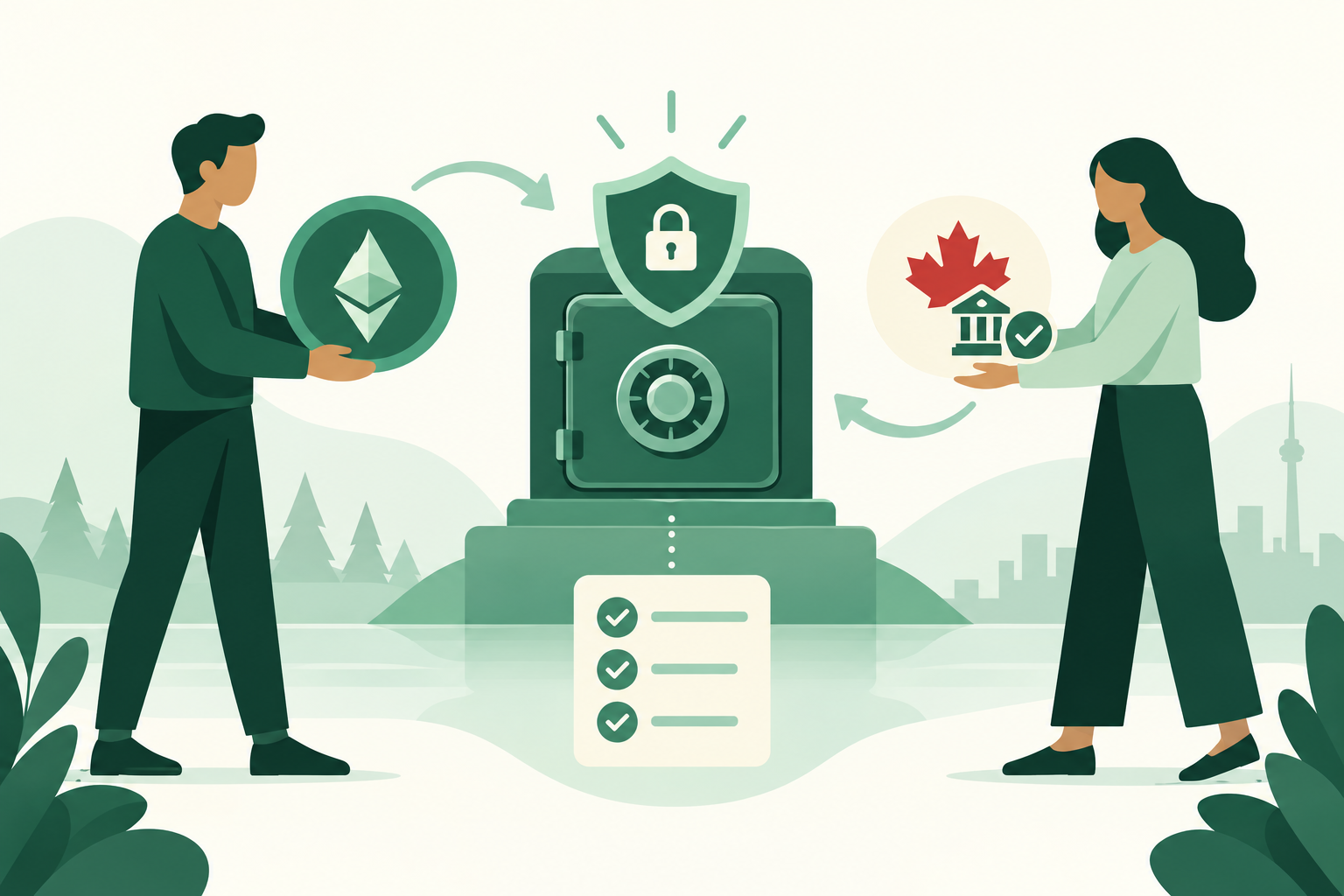
To sell USDT for CAD P2P, find a buyer offering Canadian dollars through a payment method you can receive, agree to the trade terms, place your USDT in escrow, and release it only after independently confirming payment in your own account. On VouchEx, USDT uses the TRC-20 network. Check current CAD offers and payment options before depositing: support for many local currencies does not guarantee a suitable Canadian-dollar buyer is available when you need one.
What you are actually exchanging
A P2P sale involves two separate transfers: the buyer pays you CAD through the agreed payment service, and you release USDT through the marketplace. The marketplace’s escrow connects those steps, but it does not turn a bank transfer into a blockchain transaction.
On VouchEx, every trade is protected by escrow: the seller’s crypto is locked until they confirm they received payment. This keeps the crypto secured during the payment stage, but your confirmation still matters. Releasing against a screenshot instead of checking your account defeats that safeguard.
Also, USDT is designed to track the US dollar, not the Canadian dollar. Your CAD proceeds depend on the buyer’s quoted exchange rate, the offer terms, and applicable costs—not simply the number of tokens you sell.
Check the CAD payment route before choosing an offer
Start at the VouchEx marketplace and look for buyers offering CAD for USDT. Read the actual offer rather than assuming a familiar payment service is available.
VouchEx supports hundreds of payment methods, including bank transfer, PayPal, mobile money, and gift cards, across many local currencies. That does not mean every method is suitable for receiving Canadian dollars into your bank account.
For each offer, confirm:
- Settlement currency: Will you receive CAD, or another currency that your provider converts?
- Payment method: Can your own account receive that exact type of transfer?
- Trade limits: Does the buyer accept the amount you want to sell?
- Payer identity: Will payment come from the buyer’s own account?
- Timing: Can the buyer initiate payment within the marketplace’s payment window?
- Extra conditions: Are there conversion charges, receiving fees, or unusual instructions?
If you want Interac e-Transfer specifically, verify that it appears in a current offer and is supported for that trade. Do not treat general bank-transfer support as confirmation of Interac availability.
A gift card denominated in CAD is not the same as CAD deposited into your account. Choose the payout form you actually need, rather than the offer with the most attractive headline rate.
Compare the net rate, not just the advertised price
The useful comparison is how many Canadian dollars you receive for the total USDT deducted from your balance.
Effective CAD per USDT = net CAD received ÷ total USDT deducted
Use the trade’s displayed amounts to calculate this. Confirm how the seller fee is applied rather than assuming whether it is included in the trade amount or charged separately.
VouchEx’s published costs are:
- Seller fee: 1% per completed trade.
- Buyer fee: 1% per completed trade, charged to the buyer.
- Deposits: Free on VouchEx.
- USDT withdrawal fee: $2.
The buyer’s fee is not another seller fee, though buyers may account for their costs when setting prices. A USDT withdrawal is also a separate action from receiving CAD from a P2P buyer; do not automatically add the withdrawal fee to every sale.
Your sending wallet or exchange may impose its own transfer costs when funding the trade. Your payment provider may also apply receiving or conversion charges. Check those separately from marketplace fees.
If an offer pays in another currency, compare the CAD amount after conversion—not the foreign-currency amount shown in the offer.
Step by step: sell USDT for CAD safely
Step 1: Secure your account and prepare the receiving account
If you are new, create a VouchEx account. Enable optional authenticator-app two-factor authentication before trading; it protects withdrawals and releases.
Use a payment account you control, with access to its transaction history. Check its receiving limits and relevant terms before committing to a sale.
VouchEx offers ID verification for verified badges. A badge is useful context, but it is not a guarantee that a payment is legitimate or irreversible.
Step 2: Select a buyer or publish your own offer
Choose a CAD buy offer that matches your amount and payment method. Read the terms for contradictions, such as an offer labelled CAD that requests settlement in another currency.
If no suitable buyer is available, anyone can post a buy or sell offer for free on VouchEx, with no merchant deposit. State your accepted currency, payment method, amount limits, and payment-verification requirements clearly.
Posting an offer does not guarantee a buyer or an immediate sale. Avoid depositing solely on the assumption that CAD liquidity will appear.
Step 3: Fund with USDT on TRC-20
Use the deposit instructions shown in your account and select USDT on TRC-20 at the sending service. Confirm both the asset and network; matching only the token name is not enough.
Check the destination address carefully. Do not send Bitcoin or USDT on a different network to a TRC-20 USDT deposit address.
Wait until the deposit is available before proceeding. Keep your transfer record, including its transaction identifier, in case you need to trace the deposit.
Step 4: Confirm the terms and escrow before accepting payment
Check the final USDT amount, expected CAD payment, payment method, and fees. Keep agreements in the trade conversation so there is a clear record of what both parties accepted.
Confirm that the trade is active and the crypto is locked in escrow before asking the buyer to pay.
Share only the payment details necessary to receive the transfer. Never provide banking passwords, authenticator codes, recovery phrases, or remote access to your device.
Step 5: Let the buyer pay without changing the deal
VouchEx buyers have a 15-minute payment window. This is the buyer’s window to pay, not a guarantee that every payment provider will finish processing within that time.
If the buyer asks to switch currency, use someone else’s account, or split payment unexpectedly, pause. Do not silently accept material changes to the agreed terms.
If the window passes without payment, follow the trade’s instructions or seek help. Do not assume that elapsed time proves payment happened or that the trade automatically ended.
Step 6: Verify the CAD payment independently
Open your bank or payment app directly—not through a link the buyer sends. Locate the incoming transaction in your own account.
Check:
- The amount and currency match the trade.
- The payment is credited and available, not merely pending or scheduled.
- The sender details are consistent with the buyer where visible.
- There is no hold, warning, or unresolved discrepancy.
A screenshot, email notification, or buyer’s “paid” message is not sufficient evidence. If the payment status is unclear, ask your provider what it means without sharing account credentials with the buyer.
Step 7: Release only after your checks pass
Confirm receipt and release escrow only when the agreed payment is received and you have resolved any concerns. Do not release to “help the transfer complete” or because the buyer claims support requires it.
Save the trade details, payment reference, CAD proceeds, fees, and relevant wallet records. These help with reconciliation, disputes, and any tax reporting obligations.
What to do when something looks wrong
The buyer says they paid, but your account shows nothing: Keep the crypto in escrow. Explain the mismatch in the trade conversation and preserve the buyer’s payment claim.
The payment comes from another person: Treat this as a warning sign, not an administrative detail. Third-party payments can complicate ownership checks and fraud investigations. Seek guidance before releasing or returning funds.
The buyer overpays and requests a refund elsewhere: Do not send the difference to another account or cryptocurrency address. Contact your payment provider and marketplace support about the appropriate process.
The money appears, but the provider flags it: Do not assume a visible balance makes the transaction safe. Some payments can later be investigated, held, or reversed. Escrow does not eliminate payment-provider risk after release.
On VouchEx, disputes can be opened 3 hours after a trade starts. The opener pays 1% of the trade, and moderators aim to resolve disputes within 2 hours. That is a resolution target, not a guaranteed deadline.
Use the help centre for guidance. Preserve the offer terms, conversation, trade identifier, and relevant payment records; redact unrelated private information. Never release crypto merely because you are waiting to become eligible to open a dispute.
FAQ
Can I sell USDT for CAD on VouchEx?
Check current offers for a buyer paying CAD through a method you can receive. VouchEx supports USDT on TRC-20 and many local currencies, but a suitable CAD offer is not guaranteed. You can also post your own sell offer for free.
Can I receive CAD through Interac e-Transfer?
Only proceed if that method is explicitly available and agreed for your trade. Do not infer Interac support from a generic bank-transfer option. Verify receipt directly in your own account rather than relying on an email or screenshot.
What fees should I include when comparing offers?
Include VouchEx’s 1% seller fee and any applicable sending-service, receiving, or currency-conversion costs. Deposits are free on VouchEx. Its $2 USDT withdrawal fee applies to a USDT withdrawal, which is separate from the buyer paying you CAD.
Should I release USDT when the buyer marks payment as sent?
No. A payment claim is not proof of receipt. Check the exact amount, CAD currency, payment status, and available sender details in your own account. Resolve pending payments or identity mismatches before confirming receipt.
Do I need records for Canadian taxes?
Yes. Selling crypto can have Canadian tax consequences, and treatment depends on your circumstances. Retain acquisition records, CAD sale proceeds, fees, and transaction identifiers. Consult current Canada Revenue Agency guidance or a qualified tax professional; receiving payment through P2P does not remove reporting obligations.
Start Trading on VouchEx with 0% Listing Fees
Explore the open P2P software protocol.