
Sell Bitcoin for Cash App Payment: A Seller’s Checklist
Selling Bitcoin to a buyer who pays through Cash App requires more than a payment screenshot. Follow this practical checklist to compare offers, verify receipt, and understand what escrow can—and cannot—protect.
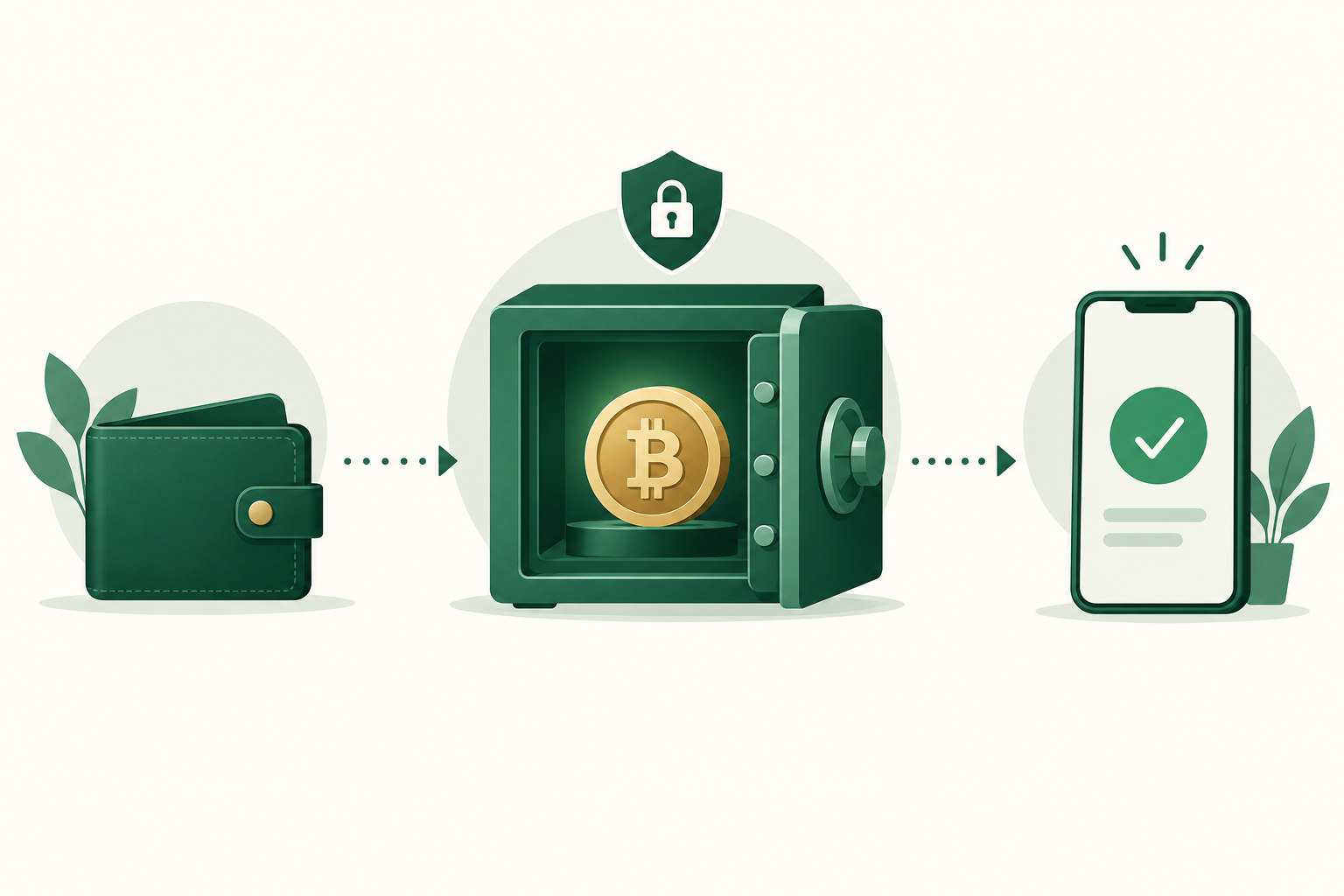
You can sell bitcoin for Cash App payment by finding a buyer on a peer-to-peer marketplace, locking your Bitcoin in escrow, and releasing it only after you independently verify the agreed payment inside your own Cash App account. First, confirm that the marketplace currently supports that payment method and that the transaction complies with Cash App’s current terms. Escrow protects the crypto during the trade; it does not make the incoming payment irreversible.
Understand which kind of sale you want
Selling Bitcoin within Cash App and selling it to another person who pays through Cash App are different transactions.
With an in-app Bitcoin sale, the sale happens through Cash App’s own service, subject to its availability, eligibility requirements, and displayed terms. With a P2P sale, another person buys your Bitcoin and sends you money separately. The marketplace coordinates the crypto side; Cash App handles the payment side.
This guide covers the second route. You need to evaluate both sides before proceeding:
- The crypto trade: price, Bitcoin amount, marketplace fees, escrow, and dispute procedures.
- The payment: sender identity, amount, transaction status, account limits, and potential reversals or restrictions.
Do not assume that a payment method being listed on a marketplace means the payment provider approves every use of it.
Can you use VouchEx for this payment method?
VouchEx is a peer-to-peer marketplace for Bitcoin and USDT on TRC-20, with hundreds of payment methods across many local currencies. However, that does not establish that Cash App is currently available or that a matching Bitcoin buyer is online.
Check the live marketplace offers for Bitcoin, your intended currency, and Cash App as the payment method. If it is not listed, do not select an unrelated method and privately substitute Cash App. The recorded trade terms should match the actual payment arrangement.
Every VouchEx trade uses escrow: the seller’s crypto is locked until the seller confirms receipt of payment. Anyone can post buy or sell offers for free, and there is no merchant deposit. Posting an offer does not guarantee that a buyer will accept it.
Before opening a trade
Check your account and payment eligibility
Review Cash App’s current terms and your account’s eligibility, receiving limits, and any restrictions relevant to the transaction. If the intended use is not permitted, choose a permitted route instead. Do not split payments or mislabel transactions to evade controls.
Use an account you control. Confirm the receiving details carefully, and share only what the buyer needs to pay you—not your password, verification codes, card details, or recovery information.
Set a minimum acceptable outcome
Decide how much money you need to receive for the total Bitcoin you will spend, including fees. A prominently displayed rate is not necessarily the best net result.
Compare:
- The buyer’s quoted price and trade limits.
- The exact Bitcoin amount committed to the sale.
- Marketplace fees and how they appear in the trade preview.
- Any cost of moving Bitcoin into the marketplace.
- Any applicable cost of moving your received money afterward.
Reject terms that change after the trade starts or depend on a separate “verification” payment.
Step by step: sell Bitcoin for Cash App payment
1. Secure your marketplace account
If using VouchEx, create an account and consider enabling its optional authenticator-app two-factor authentication. On VouchEx, 2FA protects withdrawals and releases.
ID verification is available for verified badges. Treat a badge as one signal, not a guarantee that a particular payment is legitimate. Never give a buyer your authentication code or let them guide you through disabling account protections.
2. Find a buyer with clear, matching terms
Look for an offer from someone buying Bitcoin and paying through the method you intend to use. Confirm that you are on the selling side of the transaction; marketplace interfaces may describe offers from the advertiser’s perspective.
Read the entire offer. Check the payment currency, amount range, sender requirements, and any available trading history. A competitive rate is not worth accepting unclear payment instructions.
Avoid buyers who ask to move the transaction to private messaging, release crypto before payment, or accept money from unrelated people.
3. Agree on the payment details in the trade chat
Keep the agreed amount, receiving identifier, and payment requirements in the marketplace’s trade conversation. Require payment from the buyer’s own account and clarify how sender information will be checked.
A display name alone is weak identity evidence. If the available information is insufficient to verify the payer, do not guess or let the buyer pressure you into proceeding. Ask marketplace support what evidence is appropriate.
Do not accept unexplained split payments or a promise that the balance will arrive after release.
4. Confirm the Bitcoin is in escrow
Use the marketplace’s official trade workflow and verify that the trade shows the crypto is locked in escrow before expecting payment.
Never send Bitcoin directly to a wallet address provided in chat as a substitute for escrow. A message claiming that a wallet belongs to “support” is not proof.
If depositing Bitcoin into VouchEx, use the deposit instructions shown in your account. Deposits are free on VouchEx, although the sending wallet or service may charge its own fee.
5. Wait for payment and check it yourself
VouchEx buyers have a 15-minute payment window. That deadline is not a reason to release Bitcoin early, and a buyer marking a trade as paid is not evidence that you received funds.
Open Cash App independently—not through a buyer’s link—and inspect your own activity and transaction details. Check:
- The payment is incoming, not a request for you to pay.
- The amount and currency match the agreement.
- The sender information matches what you can reasonably verify about the buyer.
- The payment is shown as received and available, not pending or awaiting action.
- The transaction corresponds to this trade rather than an older receipt.
A screenshot, email, or phone notification cannot replace this check. Even a received payment may remain exposed to later disputes or account review.
6. Release only when the checks pass
If the full agreed payment is received, the details match, and there are no unresolved warning signs, release the Bitcoin through the marketplace’s official controls.
If anything is wrong, do not release just to stop an argument. Keep the issue documented in the trade chat and follow the marketplace’s support process.
Save the trade identifier, agreed terms, payment record, and fee details for your records. Keep sensitive information private and share evidence only through official support channels when needed.
Understand the fees before accepting
VouchEx charges 1% to the buyer and 1% to the seller per completed trade. The seller should account for their own fee; do not automatically treat both sides’ fees as the seller’s deduction.
VouchEx deposits are free. Its withdrawal fees are $5, paid in BTC, for Bitcoin and $2 for USDT. A crypto withdrawal is different from releasing escrow to complete a sale, so do not automatically add a withdrawal fee unless your plan includes that withdrawal.
A useful comparison is:
Effective cash-out price = net cash received ÷ total Bitcoin spent on the transaction.
Use the actual preview to determine how fees affect the Bitcoin balance and sale amount. Also check Cash App for any applicable receiving or onward-transfer costs; do not assume every later movement of money is free.
Warning signs that should stop a release
“Pay a fee to unlock your incoming money”
Do not send crypto or money to a buyer who claims you must pay them to activate, upgrade, or unlock receipt. Verify any genuine account requirement inside the official app or through its official support.
“My friend paid you”
Third-party payments make it harder to connect the funds to the person receiving your Bitcoin. If an unexpected sender pays, pause and seek guidance. Do not release because the buyer says the sender is trustworthy.
“I overpaid—refund the extra elsewhere”
Do not send a separate refund to a different account. The original payment could later be challenged, leaving you exposed on both transactions. Use official support to determine the appropriate handling.
“It is pending, but escrow guarantees everything”
Escrow holds the Bitcoin before release. It does not control Cash App, guarantee the source of funds, or prevent later payment disputes. Pressure to release against a pending payment defeats your most important verification step.
If payment is missing or disputed
Do not release while the payment is missing, short, pending, or unexplained. If the buyer claims payment, preserve the conversation and check your account directly. Follow the platform’s instructions rather than improvising an off-platform settlement.
On VouchEx, disputes can be opened 3 hours after a trade starts. The opener pays 1% of the trade, and moderators aim to resolve disputes within 2 hours. That is a resolution target, not a guaranteed deadline or outcome.
The 15-minute payment window and the 3-hour dispute threshold are separate rules. Do not infer automatic cancellation or an immediate refund from either. Consult VouchEx help for instructions relevant to the trade’s current status.
FAQ
Can I sell Bitcoin for Cash App payment on VouchEx?
Check current offers and payment-method availability first. VouchEx supports Bitcoin trading and many payment methods, but Cash App availability and matching buyer liquidity are not established by that general support.
Is a Cash App screenshot enough to release Bitcoin?
No. Open your own app and verify the incoming transaction, amount, status, and sender details. Screenshots can be altered or show a different transaction.
Does escrow prevent a Cash App payment reversal?
No. Escrow protects the crypto while it is held. It does not make the separate payment irreversible or guarantee protection after you release Bitcoin.
What if the buyer marks the trade paid but nothing arrives?
Keep the Bitcoin unreleased, document the problem, and follow official support instructions. On VouchEx, disputes become available 3 hours after the trade starts; the buyer’s paid status is not proof of receipt.
What records should I keep after selling?
Keep the trade ID, Bitcoin amount, cash received, fees, payment reference, and relevant conversation. These can help with support issues, reconciliation, and any tax or reporting obligations that apply to you.
Start Trading on VouchEx with 0% Listing Fees
Explore the open P2P software protocol.