
paxful shut down what to do: Funds and next steps
Paxful closed its marketplace in 2025. Here’s how to check for outstanding funds or trades, protect your records, and evaluate your next P2P marketplace without rushing.
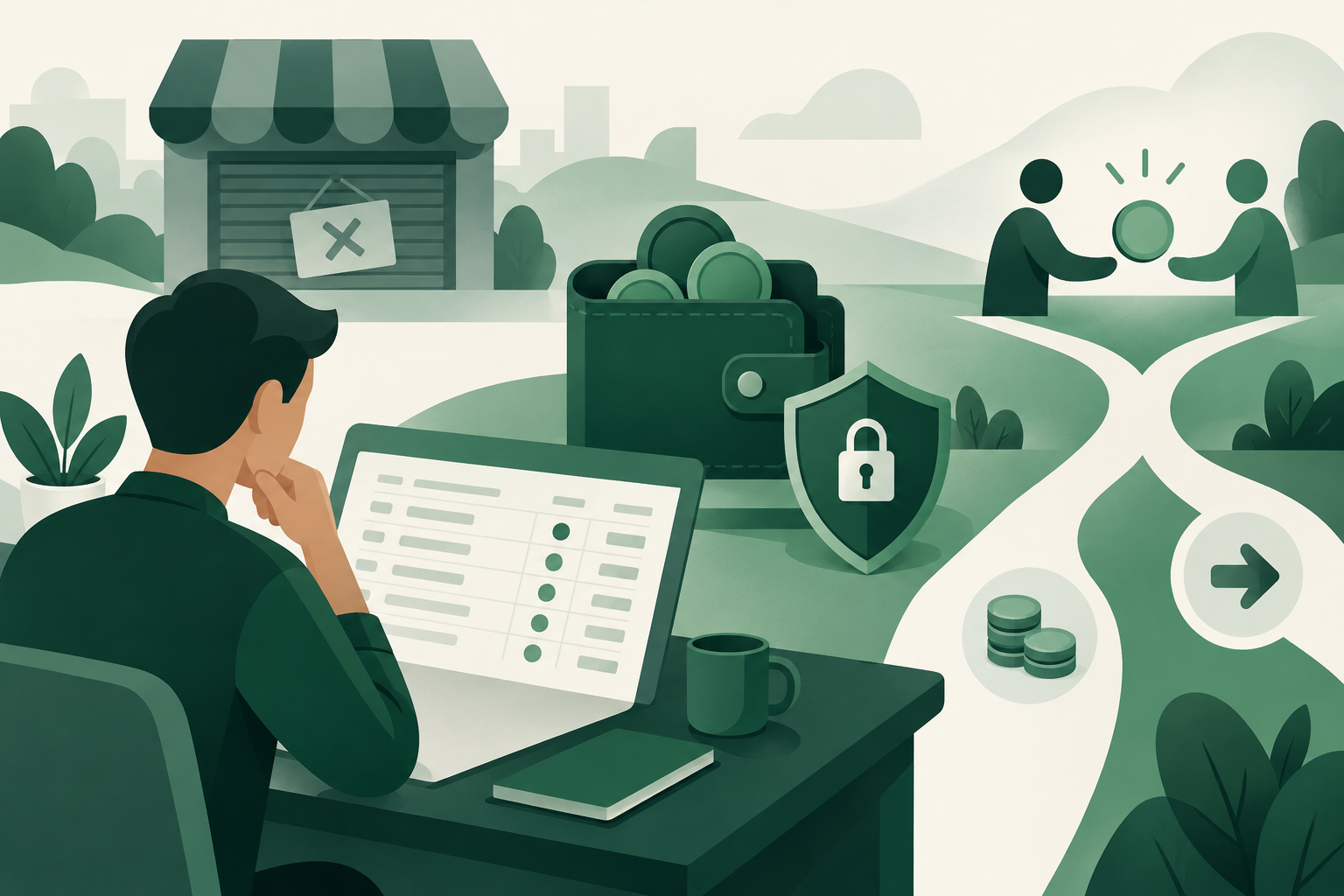
Paxful closed its marketplace in 2025. If you’re searching “paxful shut down what to do,” start by checking for any remaining balance or unresolved trade through official account and support channels, saving your records, and verifying any available withdrawal instructions. Don’t send money to someone promising to recover your funds. If you still need to buy or sell crypto, compare replacement marketplaces separately from resolving your old account.
A marketplace closure creates two different problems: dealing with what you left behind and deciding where to trade next. Keeping those tasks separate helps you avoid rushed transfers, misleading support messages, and offers that don’t suit your payment method.
What the closure means for your next decision
The established news fact is that Paxful closed its marketplace in 2025. That fact alone does not establish the current status of a particular account, withdrawal request, or dispute.
This article does not confirm live wallet access, support availability, or an account-specific recovery process. For those details, check current official notices and any instructions shown inside your account, if accessible. An old tutorial or search result may describe a process that no longer applies.
Your priority depends on what remains unfinished:
- Funds left on the platform: establish whether withdrawals are currently available and what requirements apply.
- An unresolved trade: preserve the payment trail and trade conversation before taking further action.
- No outstanding funds or trades: focus on choosing a suitable replacement and securing your accounts.
Opening an account elsewhere does not move your old balance or resolve a previous transaction. Treat any claim of automatic balance migration with caution unless you can independently verify it through official channels.
Step by step: What to do after the shutdown
Step 1: Verify the source before signing in
Use an address you have independently verified as official. Avoid signing in through sponsored search results, unsolicited messages, or links posted by supposed support agents in public groups.
Read closure-related notices carefully. Check when they were published and whether later instructions replace them. Look specifically for information about account access, remaining balances, withdrawals, and unresolved transactions rather than assuming that one announcement answers every question.
Never provide a wallet seed phrase, private key, password, or authenticator code to a person claiming to help.
Step 2: Save your account and trade records
If you can still access your account, gather the records you might need before changing anything:
- Your account identifier and relevant support case references.
- Balance information, including the asset and network where shown.
- Trade IDs, offer terms, and in-platform messages.
- Payment receipts and transaction references.
- Blockchain transaction hashes for completed transfers.
Keep originals where possible. Screenshots are useful, but downloadable records and payment-provider statements may provide additional context. Store this material privately; public posts can expose account details and attract impersonators.
Step 3: Separate unresolved trades from withdrawable funds
If you already paid for a trade but did not receive the crypto, document that transaction separately from any balance displayed in your wallet. Don’t assume that an unfinished trade can be solved by making a new payment.
Use any currently available official support process. Describe the problem clearly: what you paid, how you paid, the trade reference, and what remains unresolved. Never fabricate or alter payment evidence.
If a bank or payment provider is involved, ask about the process applicable to your situation. Describe the transaction accurately, and do not claim that an authorized payment was unauthorized.
Step 4: Verify withdrawal instructions, if withdrawals are available
Before submitting a withdrawal, confirm the asset, network, destination address, and any disclosed fee. Make sure the receiving wallet or exchange explicitly supports that asset on that network.
For example, a receiving service’s support for USDT does not automatically mean it supports USDT on TRC-20. A network mismatch can put funds at risk.
Where practical, consider a small test transfer before moving a larger balance, accounting for withdrawal fees. Never send an additional payment to a private wallet because someone says it will “unlock” your withdrawal. A legitimate fee disclosed within an authenticated service is different from a stranger’s recovery demand.
Step 5: Secure the accounts you will keep using
If you reused your old password elsewhere, change it on those other services. Review the security of your email account too, since email often controls password resets.
Enable available two-factor authentication and keep recovery information offline in a secure place. If you shared credentials with a suspected impersonator, act immediately rather than waiting for a promised recovery update.
Step 6: Choose your next marketplace deliberately
Only after addressing your outstanding exposure should you decide where to trade next. Start with the payment method, currency, asset, and trade size you actually need.
Read the offer terms before opening a trade. For your first transaction on an unfamiliar platform, use an amount you can comfortably manage and keep the entire process inside the marketplace’s supported workflow.
How to evaluate a replacement P2P marketplace
A familiar-looking trading screen is not enough. The important questions concern custody, payment confirmation, costs, and what happens when something goes wrong.
Understand what escrow does—and does not do
Escrow locks the seller’s crypto during a trade rather than leaving delivery entirely to the seller’s discretion. It does not independently prove that a bank transfer arrived or eliminate payment reversals, stolen-account payments, and human error.
As a seller, confirm payment in your own bank or payment account before releasing crypto. Don’t rely solely on screenshots, emails, or the buyer’s insistence that payment is complete.
As a buyer, follow the offer’s payment instructions and keep evidence. If you have paid but something goes wrong, use the platform’s support process rather than accepting an off-platform workaround.
Compare the full cost
Look beyond the headline trading fee. Compare:
- The seller’s quoted exchange rate.
- Marketplace fees for your side of the trade.
- Any bank or payment-provider charges.
- Withdrawal costs.
- Any fee for opening a dispute.
A free deposit does not mean the whole transaction is free. Likewise, a favorable-looking offer rate can be offset by other charges.
Check timing and payment-method fit
Ask whether you can complete payment within the allowed window and what happens if the payment provider delays it. Check when a dispute can be opened, what evidence is required, and whether a stated resolution time is a target or a guarantee.
Payment methods carry different risks. Bank transfers, PayPal, mobile money, and gift cards do not have identical confirmation or reversal characteristics. Choose a method you understand rather than simply selecting the cheapest offer.
Where VouchEx fits into your options
VouchEx is a peer-to-peer marketplace for USDT on TRC-20 and Bitcoin. Every trade is protected by escrow: the seller’s crypto is locked until the seller confirms receipt of payment.
It supports hundreds of payment methods, including UPI, IMPS, bank transfer, PayPal, mobile money, and gift cards, in many local currencies. Check the marketplace offers for terms that fit your needs; platform-level support for a method does not guarantee a suitable offer whenever you look.
Before trading, understand these costs and rules:
- Completed trades: the buyer pays 1% and the seller pays 1%.
- Deposits: free.
- Withdrawals: $2 for USDT and $5, paid in BTC, for Bitcoin.
- Buyer payment window: 15 minutes.
- Disputes: can be opened 3 hours after a trade starts; the opener pays 1% of the trade.
- Dispute handling: moderators aim to resolve disputes within 2 hours. This is a target, not a guaranteed outcome or deadline.
Optional authenticator-app 2FA protects withdrawals and releases. Enable it before trading. ID verification is used for verified badges, but a badge should not replace checking offer terms and confirming payment yourself.
If you plan to post offers, VouchEx merchants lock a refundable $200 USDT deposit. Refunds require a 7-day wait and no open disputes. Review the merchant information before committing those funds, particularly if you need them for day-to-day trading.
Use the help section to clarify anything you do not understand before starting. VouchEx is an option for future trades, not a recovery service for balances held elsewhere.
FAQ
Did Paxful shut down?
Paxful closed its marketplace in 2025. That does not, by itself, establish whether a particular account currently has withdrawal access or an available support process. Check current official instructions for those account-specific details.
What should I do if I still have money on Paxful?
Verify official access, save your balance and transaction records, and check whether withdrawals are available. If they are, confirm the receiving asset, network, address, and fee. Do not pay an unsolicited “recovery agent” or share account secrets.
Can I transfer my Paxful balance directly to VouchEx?
There is no automatic account migration described here. Any transfer would depend on an available withdrawal from the sending platform and compatible deposit instructions at the destination. VouchEx supports USDT on TRC-20 and Bitcoin; verify all details before sending.
What does it cost to trade on VouchEx?
VouchEx charges the buyer and seller 1% each per completed trade. Deposits are free. Withdrawal fees are $2 for USDT and $5 in BTC for Bitcoin. Opening a dispute costs the opener 1% of the trade. Also compare the offer’s exchange rate and any payment-provider charges.
Is escrow enough to make a P2P trade safe?
No single safeguard removes every risk. Escrow locks the seller’s crypto, but users still need to follow payment instructions, protect their accounts, keep evidence, and avoid off-platform arrangements. Sellers should verify receipt directly in their payment account before releasing crypto.
Start Trading on VouchEx with 0% Listing Fees
Explore the open P2P software protocol.