
p2p seller not releasing usdt after payment nigeria: Next Steps
Paid naira but still waiting for your USDT? Follow this evidence-first checklist to check the transfer, protect your position, and escalate without paying twice.
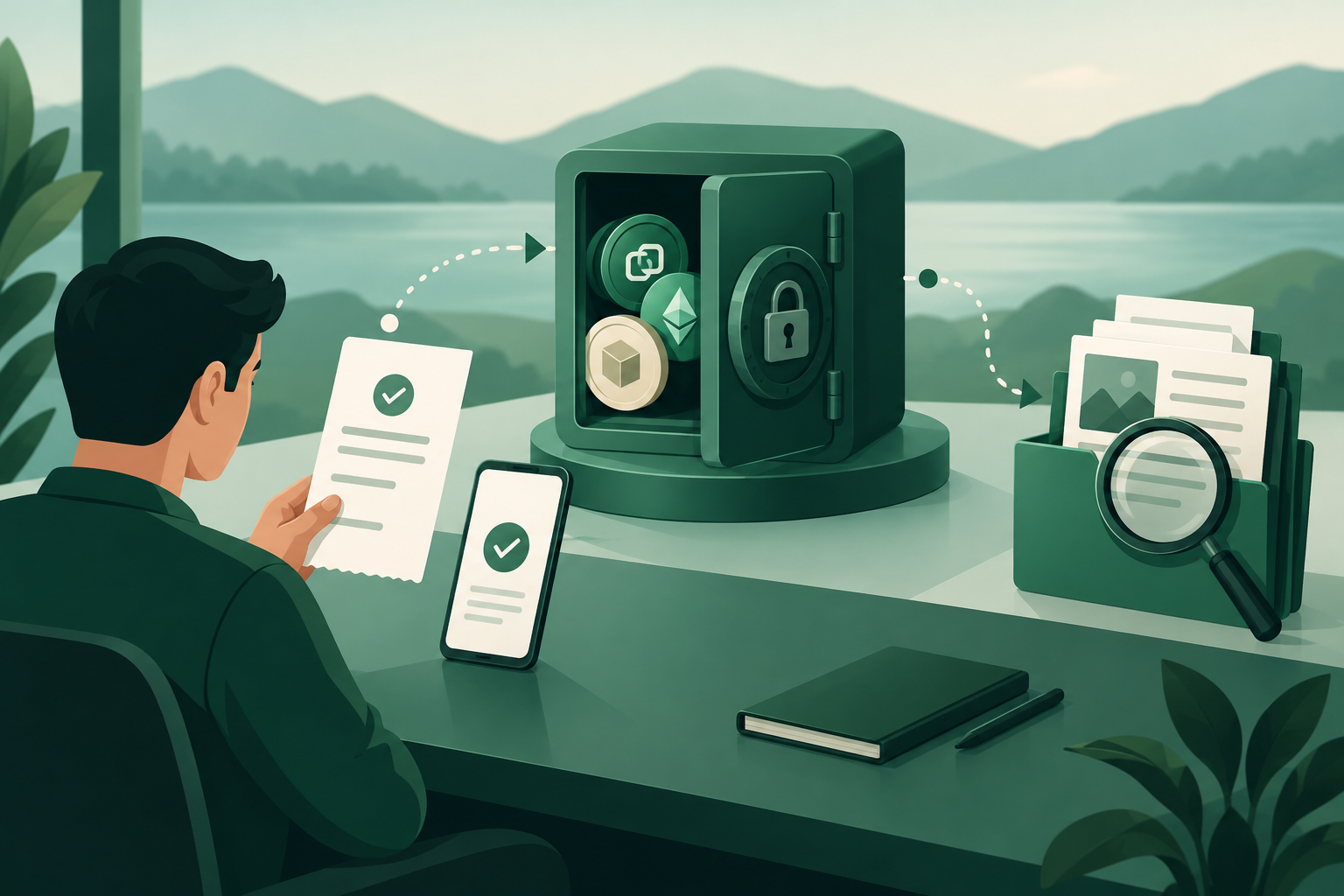
If a P2P seller is not releasing USDT after payment in Nigeria, do not pay again or cancel the trade simply because the seller asks. Check the bank transfer status, preserve your payment evidence, keep communication inside the trade, and follow the marketplace’s dispute process. On VouchEx, disputes can be opened 3 hours after the trade starts; the opener pays 1% of the trade, and moderators aim to resolve disputes within 2 hours. That resolution target is not a guarantee.
First, identify what is actually stuck
A bank debit, a completed bank transfer, and a released USDT trade are different events. Knowing which one you can verify helps you choose the next action.
- Your transfer is pending: Your bank or payment provider needs to clarify its status. Do not send a replacement while the first transfer remains unresolved.
- Your transfer shows successful, but the seller reports no credit: Ask your bank to trace it using the transaction reference. A debit alert alone does not prove the receiving account was credited.
- The seller acknowledges receiving payment but will not release: Preserve that acknowledgement and escalate through the marketplace.
- The trade expired or was cancelled after you paid: Contact official platform support immediately with the original trade ID. Do not assume the crypto remains locked.
- The trade shows released, but an external wallet has not received USDT: This may be a withdrawal or network issue rather than a seller-release problem. Check the platform balance and withdrawal record separately.
A delay does not automatically establish fraud. Payment delays, mismatched details, and genuine disagreements need different evidence from deliberate non-release.
Step by step: what to do after paying
1. Preserve the trade record before anything changes
Save the trade ID, start time, offer terms, agreed naira amount, expected USDT amount, and payment instructions. Record the trade’s current status and any visible countdown.
If the marketplace has a payment-confirmation control, use it only after you have actually sent payment, and follow its instructions. Do not assume sending a chat message updates the order status.
On VouchEx, buyers have a 15-minute payment window. This is separate from the dispute-opening time. If you have already paid and the trade changes status, preserve the record and seek support rather than opening another order and treating it as a continuation.
2. Check the transfer inside your banking app
Open your bank or payment app directly. Do not rely only on an SMS debit alert or a screenshot you previously saved.
Compare the transaction against the payment instructions attached to the trade:
- Recipient bank and account number.
- Recipient account name.
- Amount sent and currency.
- Date and time of the transfer.
- Transaction reference or session ID, where available.
- Current status, including any later reversal.
Check whether the recipient amount, not just your total account debit, matches the agreed payment. Transfer charges can make those figures different.
If you discover an error, report it accurately. A wrong-account transfer, short payment, or transfer from someone else’s account should not be presented as an ordinary seller delay.
3. Send one clear message in the trade chat
Keep the conversation factual. Give the seller enough information to locate the credit without exposing unrelated financial information.
You could write:
I sent the agreed NGN amount to the account listed in this trade. My banking app currently shows the transfer as successful. I have attached the receipt with the amount, time, recipient details, and reference. Please check your account transaction history and confirm whether it arrived. I will keep updates in this trade and use the official dispute process if we cannot resolve it.
If your transfer is pending, say pending. Do not claim a successful transfer or accuse the seller of receiving funds unless you have evidence.
Avoid moving the conversation to WhatsApp or Telegram. If the seller contacts you elsewhere, preserve those messages and summarise the relevant facts in the trade chat.
4. Ask your bank to trace an unclear payment
Contact your bank through its official app, website, or established customer-service channel. Explain that a transfer is disputed and ask whether the receiving bank accepted or credited it, or whether it is pending, failed, or reversed.
Provide the transaction reference, recipient details, amount, and timestamp. Ask for a case reference and written confirmation where available.
A bank trace can clarify the money’s path; it does not itself decide the crypto dispute. Share relevant findings through the marketplace’s official evidence channel.
Do not request a reversal while also demanding release without disclosing that request. Any refund, reversal, or recovery attempt must be reported so the case does not proceed on outdated facts.
5. Build an evidence pack a moderator can follow
Organise the case as a short timeline rather than a pile of screenshots:
- The trade started and specified a particular recipient and amount.
- You sent payment at the recorded time.
- Your payment provider reported a particular status.
- The seller responded, acknowledged payment, or requested something else.
- Your bank supplied any trace result or case reference.
Attach the original receipt and relevant chat records. Keep originals unchanged; if you redact an unrelated balance or transaction, retain the original in case official support needs it.
Do not share passwords, PINs, OTPs, authenticator codes, or wallet recovery phrases. A payment dispute does not require giving another person control of your bank or crypto account.
6. Escalate through the official process
On VouchEx, the seller’s crypto is locked in escrow until they confirm receiving payment. Escrow protects the trade, but it does not mean a bank receipt automatically triggers release.
A dispute can be opened 3 hours after the trade starts, not 3 hours after you pay or after the seller’s last reply. The person opening it pays 1% of the trade. Moderators aim to resolve disputes within 2 hours, but do not treat that aim as a promised deadline or outcome.
Use the platform’s dispute process when eligible, and consult the VouchEx help page for assistance. If the trade has expired, been cancelled, or become inaccessible, contact support promptly rather than assuming the usual active-trade process applies.
Keep checking for official requests for evidence. Report any later payment reversal, refund, or crypto release immediately.
Requests that should make you stop and verify
“Cancel first, then I will release”
Do not cancel a paid trade merely to satisfy this request. Cancellation can change the trade’s status and complicate recovery. Ask official support how to proceed before taking an action you cannot undo.
“Send another payment to unlock your USDT”
Do not send a duplicate transfer, private verification payment, or off-platform release fee. If the seller claims you underpaid, compare the original terms with the recipient amount and ask support how to handle any genuine difference.
VouchEx’s published fees are 1% from the buyer and 1% from the seller per completed trade. Its dispute-opening fee is a separate consideration. A seller’s private demand is not proof that the platform requires another payment.
“Support needs your OTP or remote access”
Stop the conversation. Navigate to the marketplace yourself rather than following a stranger’s support link. Never install remote-access software or disclose an OTP to resolve a release delay.
“I refunded you, so close the case”
Check your own account for the actual incoming credit. A refund screenshot or promise is not enough. Tell the moderator what you can verify before taking any action that ends the review.
If you paid the wrong account or used someone else’s account
These situations need prompt, honest disclosure.
If you paid an account different from the trade instructions, contact your bank immediately about recovery options and notify platform support. The seller may genuinely not have received your money, and recovery is not guaranteed.
If the seller changed payment details in chat, preserve both the original instructions and the later message. Do not send another payment to “correct” the situation before receiving official guidance.
If someone else paid for you, disclose whose account was used and preserve the payer’s receipt with their permission. A mismatch can complicate verification. Never alter a receipt to make the account name match.
Reduce the risk on your next trade
Before selecting an offer from the marketplace, read its payment terms and confirm that you can complete the transfer within the payment window. Do not assume a listed payment method means every seller accepts your bank or account arrangement.
Use your own payment account where the offer requires it. Keep enough information to reconstruct the transaction, and avoid offers that require payment outside the protected trade.
On VouchEx, optional authenticator-app 2FA protects withdrawals and releases. Enable it as an account-security measure, but remember that 2FA does not resolve a payment disagreement or verify that a seller received naira.
FAQ
How long should I wait before opening a VouchEx dispute?
Disputes can be opened 3 hours after the trade starts. Use the waiting period to preserve evidence, check the transfer, and communicate in the trade. You can seek help earlier if something is wrong; the dispute-opening threshold is not a reason to ignore a cancelled order or suspicious request.
My bank says successful. Does that prove the seller received payment?
It is important evidence, but it may not settle a receiving-account dispute by itself. Verify the recipient details and ask your bank to trace the transfer if the seller denies receipt. Keep any written trace result for the moderator.
Should I cancel the order after paying?
Not simply because the seller asks. Preserve the order and seek official guidance. If it has already expired or been cancelled, contact support with the trade ID, receipt, and timeline; do not assume escrow protection continues unchanged.
Does opening a dispute guarantee I will get USDT or a refund?
No. A dispute gives moderators a route to review the evidence. The outcome depends on the payment facts and applicable trade rules. VouchEx’s 2-hour resolution aim is not a guaranteed result or recovery promise.
What if my payment reverses while the dispute is open?
Notify both the seller and the moderator immediately and provide the updated bank record. Do not continue claiming the seller has your money if it has returned to your account. If crypto has also been released, ask official support how to resolve the resulting mismatch.
Start Trading on VouchEx with 0% Listing Fees
Explore the open P2P software protocol.