
NoOnes Wallet: How to Receive, Send, and Check Transfers
Using a NoOnes wallet starts with checking the asset, network, address, and total fee—not just copying a deposit address. Follow this practical checklist to receive crypto, withdraw safely, and investigate a delayed transfer.
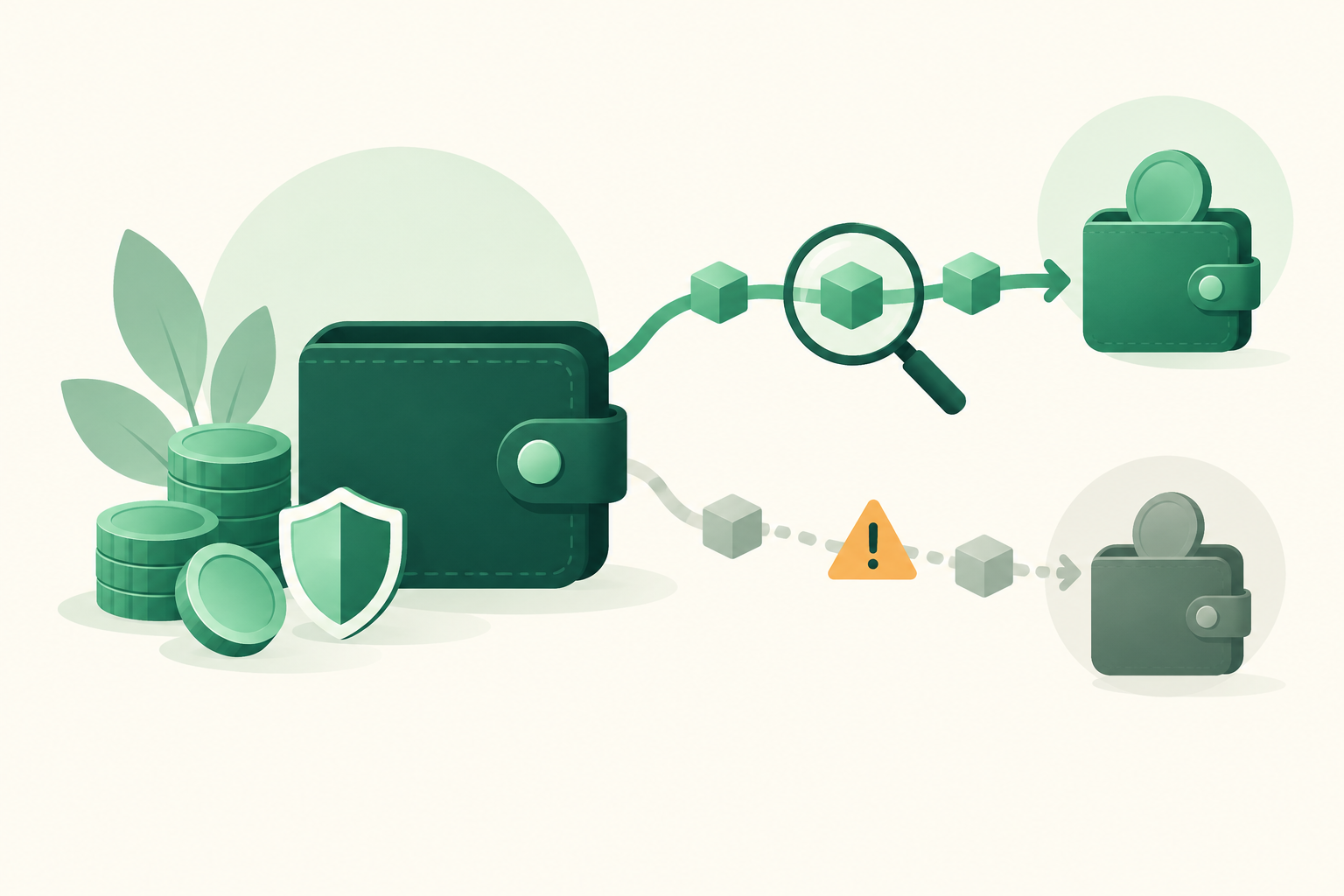
The NoOnes wallet is the wallet area of a NoOnes account where users manage crypto balances and transfers. To receive or send funds safely, check the asset, supported network, destination address, and fee shown in your account before confirming. This guide explains that workflow and what to do when a transfer does not appear. It is not a live inventory of NoOnes features: confirm current assets, networks, limits, and requirements in its official interface.
What to check before using your wallet
A wallet balance and a completed transfer are different things. An account may show funds that are not currently available to withdraw, while an incoming blockchain transaction may still be waiting for confirmation or platform crediting.
Before moving money, establish four things:
- The asset: Bitcoin and USDT are different assets and cannot be sent interchangeably.
- The network: A token name alone does not identify the blockchain used for the transfer.
- The available balance: Check whether any funds are reserved, pending, or otherwise unavailable.
- The transfer conditions: Review minimum amounts, fees, account requirements, and any security restrictions.
Do not assume that instructions from an old screenshot or video still match your account. Use the current deposit or withdrawal screen as your starting point, and ask official support if anything is unclear.
A wallet transfer is not a P2P trade
Receiving crypto means having it credited to a wallet. Buying or selling through a peer-to-peer marketplace involves a separate exchange with another person, usually using a payment method outside the blockchain.
These activities create different risks. A transfer can fail because of an incompatible network or incorrect address. A P2P trade can go wrong because of payment fraud, misleading evidence, or a disagreement about whether payment arrived.
Escrow can protect the crypto involved in a trade under that platform’s rules. It does not reverse an unrelated withdrawal sent to the wrong address.
Step by step: Receive crypto in your NoOnes wallet
1. Open your account through a trusted route
Use the official service through a saved bookmark or an independently verified address. Avoid opening your wallet through unsolicited messages, advertisements promising recovery, or links from a trading counterparty.
Check your account’s security settings before depositing a meaningful amount. Where available, enable strong authentication and secure the email account connected to the service.
2. Select the asset and inspect the receiving instructions
Find the wallet’s receiving or deposit function; the exact label may change. Select the asset you want to receive and read the supported network information.
For a token such as USDT, both services must support the same transfer network. Sharing the same token ticker is not enough. If the receiving screen does not clearly identify a compatible network, stop rather than guessing.
Also check for a minimum deposit or any additional destination information the screen requires.
3. Copy the destination carefully
Copy the receiving address directly from the current wallet screen. Do not reuse an address from an old conversation or select one solely because it looks familiar in transaction history.
After pasting it into the sending service, compare the address carefully with the original. Malware can replace clipboard contents, so copying and pasting is not, by itself, a complete safety check.
If you scan a QR code, still verify the decoded destination and any prefilled amount.
4. Review the amount that will actually arrive
The sender’s withdrawal fee may reduce the amount delivered, depending on how the service calculates it. Check whether the destination will receive enough to satisfy any minimum deposit requirement.
For a first transfer, consider a small test amount that exceeds the receiving minimum. Remember that a test transfer can incur its own fee, and a successful test does not remove the need to verify the details of the next transfer.
5. Send and keep the transaction record
Save the asset, network, amount, destination address, and transaction identifier, if one is provided. These details are more useful for investigating a transfer than a screenshot saying “sent.”
Check the receiving account after the transaction progresses. Blockchain confirmation and the platform’s balance update are separate stages, so they may not happen simultaneously.
Step by step: Send or withdraw crypto
Start at the destination, not at the withdrawal form. Open the receiving wallet and obtain its current deposit instructions first.
Then follow this sequence:
- Confirm compatibility. Verify that the destination accepts the asset and the exact network available on the sending side.
- Copy the receiving details. Include any extra identifier required by the destination.
- Enter the withdrawal amount. Check the available balance rather than relying only on the total displayed balance.
- Inspect the fee and net amount. Make sure you understand the total deduction and what the recipient should receive.
- Review everything before authorizing. Recheck the address, network, amount, and security prompts.
- Track the withdrawal. Save the withdrawal record and transaction identifier once available.
Do not proceed if the destination supports one network but the sending service offers another. Similar-looking addresses do not prove compatibility.
If your goal is to receive local currency, withdrawing crypto is not the same as cashing out. You need a supported sale or conversion route. For a P2P sale, review the offer’s payment method, price, limits, and trade rules separately.
What to do when a transfer is missing
First, identify where the process stopped. Repeatedly sending more funds usually adds risk without diagnosing the original problem.
No transaction identifier is available
Check whether the sending service lists the withdrawal as pending, under review, failed, or completed. A withdrawal request may exist before a blockchain transaction has been broadcast.
Contact the sending service through its official support channel if the status is unclear. Do not assume a blockchain explorer can locate a transaction that has not yet been broadcast.
A transaction exists but is unconfirmed
Use an explorer for the correct blockchain to inspect its status. An explorer for one network cannot reliably answer questions about a transfer on another.
Follow the sending service’s guidance. Do not attempt replacement or cancellation techniques unless they are supported for that transaction and you understand the consequences.
The transaction is confirmed but the balance is missing
Compare the transaction’s destination, asset, network, and amount with the receiving service’s instructions. Check its current crediting requirements and any service notices.
Send official support a concise record containing:
- Transaction identifier and network.
- Asset and amount.
- Destination address.
- Approximate sending time.
- Relevant deposit or withdrawal status.
Never include passwords, authentication codes, or wallet recovery phrases. If the wrong address or an unsupported network was used, recovery may be impossible; only the receiving service can explain whether it can assist.
Protect your wallet beyond the transfer screen
Many wallet problems begin with account access or social engineering rather than blockchain mechanics.
Use a unique password, protect your linked email, and enable available authentication safeguards. Treat requests to share your screen, install remote-access software, or provide a login code as warning signs.
A counterparty should not need your account credentials to pay you. Likewise, someone claiming they can “unlock” a transfer in exchange for a separate crypto payment deserves careful scrutiny.
For P2P sales, inspect the actual receiving payment account rather than relying on a buyer’s screenshot or message. Keep trade discussions and evidence within the platform’s designated process whenever possible.
Moving crypto to VouchEx: What to compare first
If you are considering another marketplace, choose based on your next task—not simply on whether it provides a wallet. Our NoOnes alternative guide can help frame that decision without assuming one service suits everyone.
VouchEx is a peer-to-peer marketplace for USDT on TRC-20 and Bitcoin. Before transferring, verify that your sending service supports a compatible route and use the receiving instructions shown in your VouchEx account. Do not send USDT over another network merely because the token name matches.
The VouchEx costs to include in your plan are:
- Deposits: Free.
- Completed trades: 1% from the buyer and 1% from the seller.
- USDT withdrawals: $2.
- Bitcoin withdrawals: $5, charged in BTC.
A free VouchEx deposit does not eliminate any withdrawal fee charged by the sending service. Also compare the offer price and any charges from your payment provider when estimating your overall cost.
Every VouchEx trade uses escrow: the seller’s crypto is locked until they confirm receiving payment. Buyers have a 15-minute payment window. Disputes can be opened three hours after a trade starts, and the opener pays 1% of the trade. Moderators aim to resolve disputes within two hours; that is an aim, not a guaranteed deadline.
VouchEx supports hundreds of payment methods, including bank transfer, UPI, IMPS, PayPal, mobile money, and gift cards, in many local currencies. Check the marketplace offers for terms relevant to your payment method before moving funds.
Optional authenticator-app 2FA protects withdrawals and releases. Enable it before trading, and use the help section when transfer or trade instructions need clarification.
FAQ
How do I find my NoOnes wallet address?
Open the receiving or deposit area for your selected asset in your account. Read the network instructions and copy the address displayed there. Do not substitute an address from an old message or assume every asset uses the same destination.
Can I send USDT from NoOnes to VouchEx?
Only if your NoOnes account currently offers a USDT withdrawal route compatible with VouchEx’s TRC-20 support. Verify both screens before sending. If the networks do not match, do not attempt the transfer.
What does a NoOnes wallet withdrawal cost?
Check the current withdrawal preview and official fee information. Do not rely on a historical fee quoted elsewhere. Review both the total deducted from your balance and the amount the recipient should receive.
Why is my crypto not available to withdraw?
Possible explanations include a pending deposit, funds reserved for another activity, or an account restriction. These are general possibilities, not a diagnosis of your account. Check the displayed status and contact official support for the specific reason.
Can a confirmed crypto transfer be reversed?
Ordinary confirmed blockchain transfers generally cannot be undone by the sender. If you used the wrong destination or network, contact the receiving service promptly, but do not assume recovery is possible or pay an unsolicited recovery agent.
Start Trading on VouchEx with 0% Listing Fees
Explore the open P2P software protocol.