
mpesa charges for p2p crypto trading kenya: Cost Guide
Your M-PESA transfer charge is only one part of a P2P crypto trade’s cost. Learn how to compare payment fees, offer rates, platform fees, and withdrawals before committing your KES.
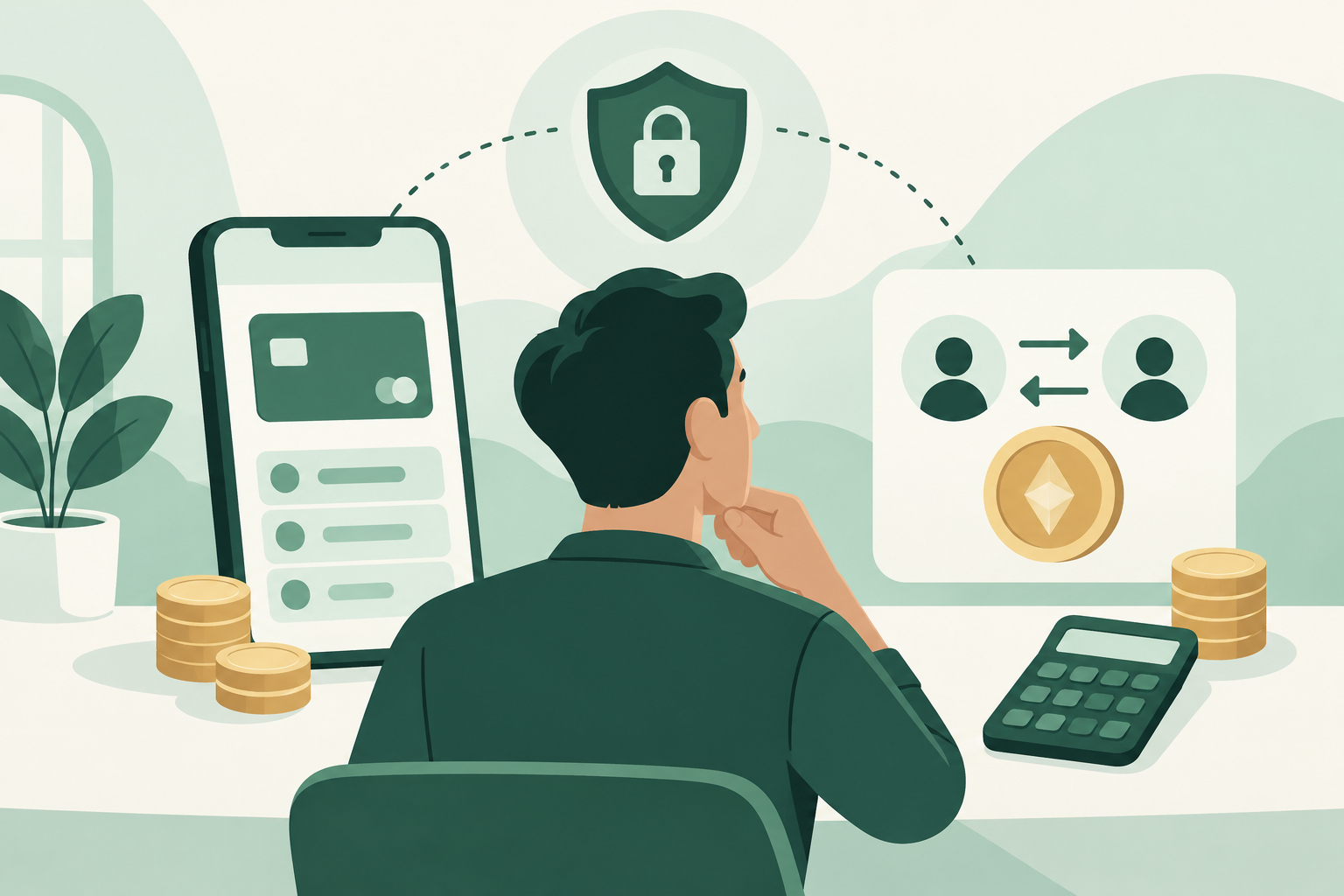
M-PESA charges for P2P crypto trading in Kenya depend on the amount you send and the payment route you use—not simply on whether you are buying Bitcoin or USDT. Your total cost can also include the trader’s exchange-rate markup, the marketplace’s trading fee, and a crypto withdrawal fee. On VouchEx, the buyer and seller each pay 1% per completed trade; M-PESA charges are separate. Check the current official M-PESA tariff and the charge shown before confirming your payment rather than relying on an old fee table.
What are you actually paying for?
A P2P purchase involves two separate movements: you pay another person in Kenyan shillings, and they release crypto through the marketplace. Each side can have its own costs.
The useful question is therefore not just “What does M-PESA charge?” It is “How many shillings will leave my wallet, and how much usable crypto will I receive?”
| Cost layer | What to check | Why it matters |
|---|---|---|
| M-PESA payment charge | Current tariff for the amount and payment route | This affects the KES needed to complete payment |
| Offer rate | KES requested per unit of crypto | A less favourable rate can outweigh a lower visible fee |
| Marketplace fee | Your side’s trading fee and how it is collected | The advertised trade quantity may not equal your final balance |
| Crypto withdrawal | Fee for moving crypto to an external wallet | This reduces what reaches your destination |
| Later cash withdrawal | Applicable charge if you withdraw received KES as cash | A wallet balance and cash in hand are different outcomes |
Not every cost applies to every trade. For example, a crypto withdrawal fee matters when you move crypto out, not merely because you compared an offer.
How to find the correct M-PESA charge
Avoid using a single flat estimate for every transaction. Start with the exact amount and payment route specified in the offer, then consult Safaricom’s current official M-PESA tariff information.
Match the tariff to the payment route
Sending money to a personal number is not something you should automatically price as a PayBill or Buy Goods payment. Confirm which route the seller requires and look up the applicable conditions.
Before authorising payment, check:
- The recipient details displayed by M-PESA.
- The amount the seller must receive.
- Any transaction charge displayed.
- Whether your available balance covers the payment and applicable charge.
- Any transaction or account limits that could prevent completion.
If the charge is not clear, verify it through official M-PESA support before starting a time-sensitive trade.
Do not subtract your transfer charge from the payment
The seller’s requested payment and your payment-provider fee are separate obligations unless the trade terms explicitly say otherwise.
If you reduce the agreed payment to cover your own transfer charge, the seller receives less than agreed. That can create a payment mismatch and delay release.
Likewise, a seller’s later decision to withdraw the received KES as cash should not become a surprise surcharge during an existing trade. Any pricing adjustment needs to be clear before you commit.
VouchEx fees: keep them separate from M-PESA
VouchEx is a P2P marketplace for USDT on TRC-20 and Bitcoin. Its stated fees are:
- Buyer trading fee: 1% per completed trade.
- Seller trading fee: 1% per completed trade.
- USDT withdrawal fee: $2.
- Bitcoin withdrawal fee: $5, charged in BTC.
- Deposits: free.
Each participant pays their own trading fee. Do not automatically add both sides’ fees to your personal bill. A seller may nevertheless account for their costs when choosing an offer rate.
Free deposits refer to VouchEx’s deposit fee; they do not mean an M-PESA payment is free or that an external sending service cannot charge you.
Before accepting an offer, verify how the trading fee affects the amount payable or the crypto balance you will receive. Do not assume it is included in a displayed quote unless the trade details confirm that.
You can inspect the marketplace offers for payment methods and currencies currently available. VouchEx supports many payment methods, including mobile money, but check for an appropriate KES offer explicitly accepting M-PESA rather than assuming one is always available.
Compare the effective price, not just the headline rate
Two offers can advertise different rates while producing a different ranking after payment and withdrawal costs.
When buying crypto
Use this calculation:
Effective purchase price = total KES spent ÷ net crypto received
Total KES spent includes the agreed payment, your applicable M-PESA charge, and any separately charged KES fee. If a platform fee is deducted in crypto instead, reflect it in the net crypto received—not again in KES spending.
Choose your endpoint before comparing:
- Marketplace balance: compare the crypto available after trading fees.
- External wallet: compare the crypto arriving after trading fees and the applicable withdrawal fee.
For USDT, this produces a KES-per-USDT figure. For Bitcoin, it produces a KES-per-BTC figure. Compare like with like.
When selling crypto
Reverse the calculation:
Effective sale price = net KES received ÷ total crypto spent
Include your seller fee in total crypto spent if it is collected in crypto. Deduct any applicable costs you personally incur from the KES proceeds.
If your goal is cash rather than an M-PESA balance, account for the relevant cash-withdrawal charge too. Do not count it when you intend to keep or spend the money in your wallet.
The rule is simple: count each cost once, in the place where it actually reduces your outcome.
Step by step: budget an M-PESA P2P trade
Step 1: Define the result you need
Decide whether you want USDT, Bitcoin, an external-wallet delivery, or KES proceeds. This determines which fees belong in your comparison.
For a USDT withdrawal from VouchEx, make sure the destination supports USDT on TRC-20. A fee comparison is useless if the destination network is wrong.
Step 2: Read the whole offer
Check the rate, trade limits, accepted payment route, recipient requirements, and any stated conditions. Ask questions before starting, especially if the payment instructions are ambiguous.
Do not choose solely because an offer appears cheapest. An offer you cannot complete correctly is not a saving.
Step 3: Verify the M-PESA cost and balance
Check the official tariff for your intended payment and confirm you have enough KES for both the agreed amount and the applicable charge.
Avoid splitting payments merely to chase a lower fee. Separate transfers can change the combined cost and complicate reconciliation. Only use an arrangement clearly accepted in the trade terms and permitted by the payment provider.
Step 4: Check your own trading fee
Account for VouchEx’s 1% fee on your side of a completed trade. Confirm the final payable amount and expected crypto balance rather than guessing how the fee is deducted.
Add the withdrawal fee only if your plan includes a withdrawal.
Step 5: Pay within the trade window
VouchEx buyers have a 15-minute payment window. Prepare your funds and resolve tariff questions before starting.
Follow the agreed payment instructions and keep communication in the trade record. If a transfer remains pending, do not immediately send a second payment; first establish the first transfer’s status.
Step 6: Verify settlement and record the result
Buyers should retain the transaction reference and payment details. Sellers should check their own M-PESA records and confirm receipt rather than relying only on a screenshot or forwarded message.
Record the KES paid or received, provider charges, platform fee, crypto quantity, and any withdrawal fee. This gives you a reliable basis for comparing your next trade.
Keep payment problems from becoming bigger costs
Every VouchEx trade uses escrow: the seller’s crypto is locked until they confirm they received payment. Escrow protects the crypto side of the trade; it does not remove M-PESA charges or replace careful payment verification.
Be cautious if someone asks you to cancel an existing trade and continue privately to avoid fees. That takes the transaction outside the stated escrow process. Also question unexpected extra payments described as necessary to “unlock” crypto.
If a trade goes wrong, preserve the offer terms, chat, transaction reference, and relevant account records. VouchEx disputes can be opened 3 hours after a trade starts. The opener pays 1% of the trade, and moderators aim to resolve disputes within 2 hours. That is a resolution target, not a guaranteed deadline.
Use the help centre for guidance instead of treating a dispute as an instant refund mechanism. Optional authenticator-app 2FA can also protect withdrawals and releases.
FAQ
Is there one fixed M-PESA charge for buying crypto in Kenya?
No universal charge should be assumed. Check the current tariff for your payment amount and route, then verify any charge displayed before confirmation. Add marketplace and withdrawal costs separately.
Does VouchEx’s 1% trading fee include M-PESA charges?
No. VouchEx charges the buyer and seller 1% each per completed trade. Your applicable M-PESA charge is a separate payment-provider cost. Confirm how your trading fee is collected before accepting the offer.
Should I pay both the buyer’s and seller’s fees?
Each side has its own 1% VouchEx trading fee. Do not automatically budget both as direct charges to you. However, the other trader’s costs may influence the exchange rate they offer.
Is it cheaper to make one large trade or several smaller trades?
Compare the actual totals. Payment tariffs, offer rates, and withdrawal plans can change the outcome. Repeated crypto withdrawals also mean repeated withdrawal fees. Do not increase your trade size beyond your budget just to reduce the relative impact of a fixed fee.
How do I know which offer is genuinely cheapest?
Calculate total KES spent divided by net crypto received at the same destination. For sellers, compare net KES received against total crypto spent. The best headline rate is not necessarily the best final result.
Start Trading on VouchEx with 0% Listing Fees
Explore the open P2P software protocol.