
How to Spot Fake MoMo Payments When Selling Bitcoin Ghana
A payment screenshot or convincing SMS is not proof that your mobile money wallet received funds. Use this Ghana-focused checklist to verify a MoMo payment before releasing Bitcoin.
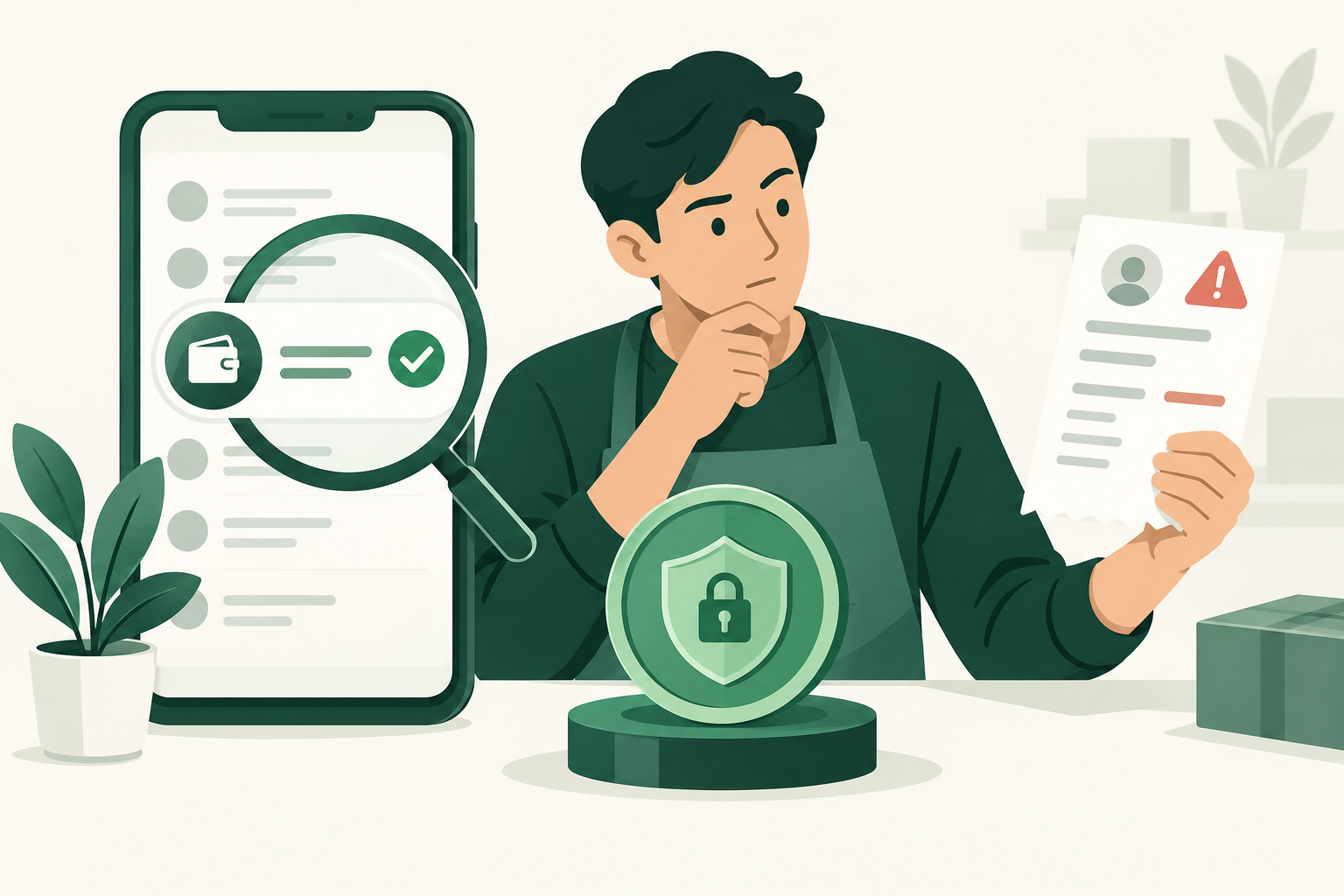
To spot fake MoMo payments when selling Bitcoin in Ghana, check the incoming transaction inside your own mobile money wallet—not just the buyer’s screenshot, an SMS, or a “paid” status. Confirm the Ghana cedi amount, receiving wallet, transaction status, and sender details where available. If you cannot independently verify the credit, do not release your Bitcoin.
The key distinction is simple: a payment claim is not a payment confirmation. A buyer can send convincing evidence while your wallet has received nothing. Your release decision should depend on your own wallet records and any unresolved warning signs.
What counts as reliable proof of a MoMo payment?
Open your mobile money provider’s official app yourself, or use its official USSD service. Check your transaction history and balance through that channel. Never open a wallet login page from a link the buyer supplies.
Look for a completed incoming credit that matches the trade:
- Amount: The full GHS payment agreed in the order.
- Destination: The receiving wallet you specified.
- Timing: A transaction consistent with this particular trade.
- Sender: Details consistent with the buyer and your payment terms, where shown.
- Status: A completed credit, rather than a pending request or failed transfer.
A balance increase helps, but it is not enough by itself. You might have received an unrelated transfer or already spent part of your balance. Match the specific incoming transaction to the order.
Provider interfaces differ. If the app or USSD menu does not show enough detail, contact the provider through an independently verified support channel. Do not substitute the buyer’s explanation for missing confirmation.
Common fake MoMo payment warning signs
A convincing SMS without a matching wallet credit
A message may resemble a genuine payment notification, including a sender label, amount, reference, and apparent balance. None of those details makes the message conclusive proof.
Open your wallet independently. If there is no corresponding completed credit, the payment remains unverified. A missing credit could also reflect a delay, so describe the issue accurately rather than immediately accusing the buyer of fraud.
A screenshot presented as the final answer
Screenshots can be edited, recycled from earlier transfers, or taken before a payment completes. A receipt might also show a transfer to a different number.
Obvious inconsistencies—different amounts, cropped recipient details, or an unrelated date—are useful warning signs. But a flawless-looking image can still be misleading. Verify the transaction, not the screenshot’s design.
Pressure to release before checking
Be cautious when a buyer says:
- “The network is slow; release now and it will arrive.”
- “I marked it paid, so you must release.”
- “Support has approved it; check the message I sent.”
- “The timer is ending, so you will lose your account.”
Urgency does not change the verification standard. Check trade information directly on the marketplace, and access support independently rather than trusting forwarded instructions.
A request to enter a PIN, share an OTP, or approve a prompt
A transfer claim becomes especially suspicious if the buyer asks you to share your MoMo PIN, disclose a one-time password, or approve an unexpected debit request to receive funds.
You may need your PIN to access your own wallet through an official channel. That is different from giving it to someone else or approving a buyer-directed prompt. Read every prompt before authorising anything.
An overpayment followed by a refund request
A buyer may claim to have sent too much and ask you to return the excess to another wallet. Do not send a refund based on their receipt or message.
First verify whether any money arrived. If an unexpected payment is real, preserve the records and seek guidance through official provider and marketplace support before returning funds. A separate refund can create another loss or complicate a dispute.
Step by step: verify MoMo before releasing Bitcoin
Step 1: Agree on clear payment terms
Before proceeding, confirm the GHS amount, receiving number, and accepted payment method. Check the number carefully and state any same-name payment requirement in your offer terms.
If you are comparing trades on the VouchEx marketplace, read the offer details rather than choosing only by the advertised rate. VouchEx supports Bitcoin and USDT on TRC-20, with mobile money among its payment methods. Check individual offers for suitable payment arrangements.
Step 2: Keep the transaction within escrow
On VouchEx, the seller’s crypto is locked in escrow until the seller confirms receipt of payment. Do not bypass that protection by sending Bitcoin directly to an address supplied in a private message.
Escrow protects the release process; it does not prove that an external MoMo transfer happened. Your payment check is still essential.
Keep payment instructions and relevant communication with the trade wherever possible. If the buyer contacts you elsewhere, preserve those messages too.
Step 3: Open your wallet independently
When the buyer claims payment, leave their screenshot aside. Open your provider’s official app or use the official USSD service you normally use.
Do not follow a buyer-supplied link, install a “verification” app, or dial a code they claim will unlock the payment. If you need help locating an official service, consult the provider’s published channels independently.
Step 4: Match the actual incoming transaction
Compare your wallet record with the trade. Check the amount, destination, timing, and available sender details. Distinguish an incoming credit from a debit, payment request, or failed transaction.
Do not treat a short payment as full settlement because the buyer blames fees. Compare what you actually received with the agreed order amount and resolve any difference before release.
For repeated trades of similar value, track which wallet transaction belongs to which order. One genuine receipt must not become evidence for two releases.
Step 5: Investigate mismatches without guessing
A different sender name does not automatically prove fraud, but it needs clarification. It may indicate a third-party payment or mean you are looking at the wrong transaction.
Do not accept “that is my relative’s account” as sufficient verification. Check your offer terms and ask marketplace support how to handle the mismatch. If wallet details are unclear, ask the mobile money provider about the transaction through official support.
Step 6: Release only after verification
If the completed credit matches the order and there are no unresolved concerns, confirm receipt and release through the marketplace.
If verification fails, stop. Do not release a portion of the Bitcoin as a gesture of trust, and do not cancel solely because the buyer says cancellation will fix their payment.
VouchEx offers optional authenticator-app 2FA for withdrawals and releases. Enable it as an additional account safeguard, while remembering that 2FA cannot identify a fake payment for you.
What to do if the buyer claims payment but nothing arrived
Send a neutral, factual response:
I cannot verify this payment in my wallet history. Please check the destination number and transaction status. I will release only after confirming the matching completed credit.
Then preserve evidence:
- The trade identifier and agreed GHS amount.
- The receiving number supplied for the trade.
- The buyer’s payment claim, receipt, and transaction reference.
- Your wallet history covering the relevant period.
- Relevant messages and provider support responses.
Share evidence only through appropriate support channels. Never include your PIN, OTP, recovery codes, or unrelated sensitive information.
On VouchEx, buyers have a 15-minute payment window. That window is not proof of payment and is not a reason to release unverified funds. If payment arrives late or the trade status becomes unclear, seek guidance before taking further action.
Disputes can be opened 3 hours after a trade starts. The opener pays 1% of the trade, and moderators aim to resolve disputes within 2 hours. That resolution time is a target, not a guarantee. Consult VouchEx help for assistance; do not assume an earlier support request immediately opens a formal dispute.
Avoid confusing a genuine credit with a risk-free payment
Checking your wallet catches the central problem with fake receipts: no matching money arrived. It does not guarantee that a real payment can never be challenged, restricted, or investigated.
Unexpected third-party payments, demands to refund another number, and inconsistent explanations remain reasons to pause even when a credit exists. Avoid promises that any mobile money payment is completely irreversible.
Also separate payment verification from trade economics. VouchEx charges the seller 1% per completed trade. Account for that marketplace fee when assessing your return; do not confuse it with a buyer sending less GHS than agreed.
The safest routine is repeatable: read the order, check your own wallet, match the credit, resolve concerns, then release. A friendly buyer or polished receipt should never replace it.
FAQ
Is a MoMo SMS enough proof to release Bitcoin?
No. Treat it as a notification to investigate. Independently check your wallet’s transaction history for a matching completed credit before releasing crypto.
What if the buyer’s screenshot looks completely genuine?
Appearance is not decisive. Even a genuine screenshot could concern another recipient, an earlier transfer, or a payment that has not completed. Your own wallet record is the important check.
What should I do if the MoMo network is unavailable?
Pause the release. Tell the buyer you cannot currently verify receipt and preserve the trade records. Retry through official channels and seek support if needed. A service outage is a reason to wait, not lower your standard.
Can I accept payment from someone other than the buyer?
A third-party payment introduces uncertainty about who funded the trade. Do not assume it is acceptable simply because money arrived. Check your offer terms and marketplace requirements, and resolve the mismatch with support before releasing.
Does VouchEx escrow automatically detect fake MoMo payments?
Do not assume it does. VouchEx escrow locks the seller’s crypto until the seller confirms receipt. You must still verify the external payment yourself; releasing based only on a screenshot defeats that essential safeguard.
Start Trading on VouchEx with 0% Listing Fees
Explore the open P2P software protocol.