
How to Move from Paxful to a New P2P Platform
Moving to a new P2P marketplace means more than creating another account. Follow a practical sequence to check payment options, transfer crypto safely, understand escrow, and complete your first trade.
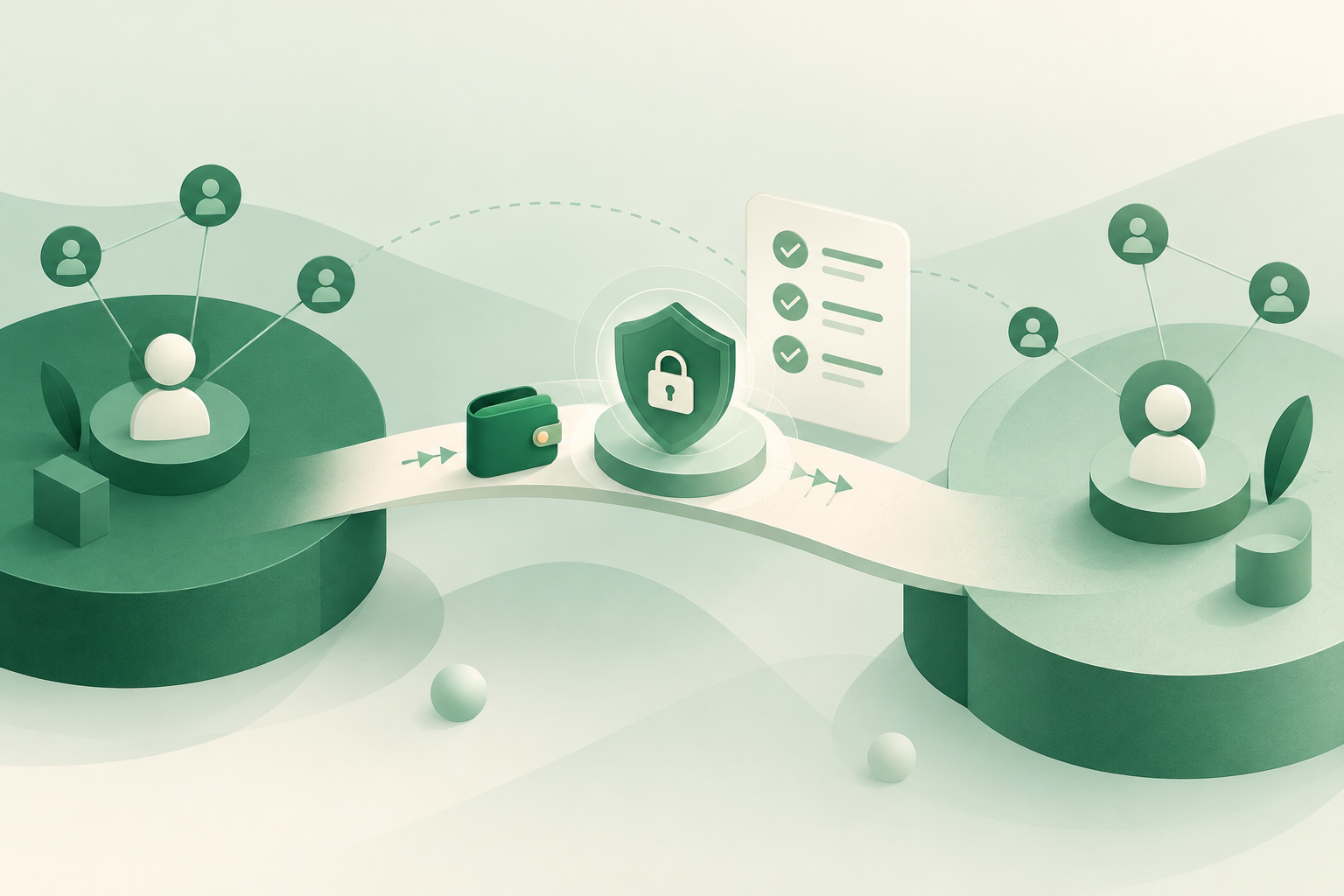
To move from Paxful to a new P2P platform, choose a marketplace that supports your coin and payment method, secure your new account, check the full trading cost, and start with a small transfer or trade. Paxful closed its marketplace in 2025, but switching does not automatically transfer your funds, reputation, or trading history. Treat access to any existing funds and your next marketplace account as separate tasks.
This guide explains how to make that transition carefully, using VouchEx as a concrete example without assuming it fits every trader.
First, separate account migration from moving money
“Moving platforms” can mean three different things:
- Moving your trading activity: choosing somewhere new to buy or sell.
- Moving cryptocurrency: sending assets you control to a compatible deposit address.
- Rebuilding your merchant presence: creating offers and establishing trust on another marketplace.
You may need only the first. If you want to buy crypto using local currency, you do not necessarily need to transfer an existing crypto balance before getting started.
If you have unresolved funds associated with your previous account, use official support channels to establish what access or withdrawal options are available. Opening a VouchEx account does not retrieve funds held elsewhere.
Save any transaction records, receipts, and trade references you can legitimately access. Do not give a supposed migration agent your password, authenticator codes, private keys, or seed phrase. A new marketplace account should not require surrendering control of an old wallet.
Choose around your next trade, not a platform label
Before signing up, write down the trade you actually need: the asset, whether you are buying or selling, your local currency, your payment method, and your intended amount.
Then compare the details that could prevent that trade from working.
Asset and network compatibility
VouchEx is a peer-to-peer marketplace for USDT on TRC-20 and Bitcoin. For USDT transfers, the network matters as much as the token name. An address for one network is not permission to send USDT over another.
If your assets are elsewhere or use another network, confirm a compatible transfer route before sending anything. Do not assume a receiving platform will convert an incompatible deposit automatically.
Payment options and live offers
VouchEx supports hundreds of payment methods, including UPI, IMPS, bank transfer, PayPal, mobile money, and gift cards, in many local currencies.
That does not mean a suitable offer will always be available for your amount and terms. Check the marketplace for actual offers rather than relying only on a payment-method list.
Rules you will need during a trade
Look beyond whether a platform has escrow. Check who pays fees, how long buyers have to pay, when disputes become available, and what evidence you should preserve.
On VouchEx, every trade uses escrow: the seller’s crypto is locked until they confirm receiving payment. Escrow protects the crypto-release process; it does not make every payment irreversible or every counterparty trustworthy.
Step by step: make the switch safely
1. Define a small first transaction
Choose a first trade that is useful but limited in size. The goal is to learn the workflow without committing your full trading balance.
Before proceeding, confirm:
- You are buying or selling the intended asset.
- The offer accepts your payment method and amount.
- You can meet the payment deadline.
- You understand the quoted price and additional fees.
- You know where the crypto should end up afterward.
Avoid starting with an urgent transaction. Time pressure makes address checks, payment checks, and offer terms easier to overlook.
2. Create and secure your account
Visit VouchEx at https://vouchexapp.com and use the sign-up page. Use a unique password, and protect the email account associated with your trading account.
Enable the optional authenticator-app two-factor authentication before funding or selling. On VouchEx, this protects withdrawals and releases—two actions where an unauthorized instruction can cause direct loss.
ID verification is available for verified badges. A badge can inform your assessment, but it is not a substitute for reading the offer or checking a payment yourself.
Bookmark the correct website rather than repeatedly following links from unsolicited messages or advertisements.
3. Decide whether a crypto transfer is necessary
If you are buying crypto with local currency, focus on the buying process and the displayed funding requirements. Moving existing crypto may be unnecessary.
If you are selling crypto you already control, verify the receiving asset and network before making a deposit:
- For USDT, confirm TRC-20 on both the sending and receiving sides.
- For Bitcoin, use the Bitcoin deposit instructions.
- Copy the address carefully and compare it again after pasting.
- Check the sending service’s minimums and withdrawal or network charges.
A small test transfer can reveal mistakes before a larger transfer. Wait until it is credited before sending more, and account for any extra sending costs that testing creates.
VouchEx deposits are free, but that does not make withdrawals from another service or blockchain transfers free.
4. Calculate the cost before opening the trade
VouchEx charges the buyer 1% and the seller 1% per completed trade. Each side pays its own fee; do not automatically treat both fees as your personal charge.
Withdrawal fees are $2 for USDT and $5, charged in BTC, for Bitcoin. Add the applicable withdrawal fee if you intend to move the purchased crypto out afterward.
Your comparison should include:
- The price quoted in the offer.
- Your side’s trading fee.
- Any charge from your payment provider.
- Any sending costs when funding your account.
- A withdrawal fee if your plan includes withdrawing.
A favorable advertised rate can become less attractive after the full route is included. Compare what you pay with what reaches your final destination.
5. Read the offer before committing
Check payment instructions, trade limits, and any conditions that affect whether you can complete the transaction.
Prepare your payment app or bank access beforehand. VouchEx buyers have a 15-minute payment window, so starting a trade before finding your banking credentials is avoidable risk.
Keep transaction instructions and relevant discussion in the platform’s trade conversation where possible. Be cautious if someone asks you to change payment details unexpectedly or move the transaction outside the marketplace.
If the offer is unclear, resolve the question before sending money—not after.
6. Complete payment and release checks carefully
If you are buying: follow the agreed payment instructions within the payment window. Keep the payment reference and receipt. Never claim to have paid before actually sending the payment.
If you have paid but encounter a problem, preserve the evidence and use official support guidance. Do not cancel simply because a counterparty promises an off-platform fix.
If you are selling: check your own bank account, wallet, or payment-provider account before releasing escrow. A screenshot, email, or message from the buyer is not independent confirmation that you received the money.
Check the amount, transaction status, and relevant sender details. Understand whether your payment method carries reversal or chargeback risk. Receiving a payment notification is not always the same as receiving settled funds.
7. Review the result before increasing your activity
After the first trade, compare the outcome with your original plan:
- Did the total cost match your expectations?
- Were the payment instructions practical?
- Could you complete the process without rushing?
- If you withdrew, did the assets arrive at the intended wallet?
Keep your records and increase activity only after understanding the process. One successful trade does not remove the need to check the next counterparty and offer.
Know the dispute rules before you need them
On VouchEx, disputes can be opened 3 hours after a trade starts. The person opening a dispute pays 1% of the trade. Moderators aim to resolve disputes within 2 hours; that is a target, not a guaranteed outcome or deadline.
The 15-minute buyer payment window and the dispute-opening time are different rules. Do not assume a missed payment deadline means a formal dispute is immediately available.
If something goes wrong, keep the trade reference, payment reference, receipt, and relevant messages. Provide clear evidence through official channels, while avoiding unnecessary disclosure of unrelated financial information.
Use the help section to check instructions rather than guessing, sending a duplicate payment, or releasing crypto under pressure.
Moving as a merchant requires another decision
If you plan to post offers rather than only take existing ones, include merchant requirements in your budget.
VouchEx merchants lock a refundable $200 USDT deposit to post offers. Refunds require a 7-day wait and no open disputes. Treat this as committed working capital while it is locked, even though it is refundable.
Review the merchant information before committing funds. Keep the deposit separate from the crypto inventory and payment balances you need for trades.
Rebuild your offers for the new platform’s rules. Do not assume old reviews, badges, contacts, or offer settings will carry over. Clear instructions and payment methods you can monitor reliably matter more than immediately recreating every old offer.
FAQ
Can I transfer my Paxful account to VouchEx?
Do not assume an account-transfer process exists. Create a separate account and establish its security settings independently. Moving cryptocurrency is a separate transaction that requires access to the sending wallet and a compatible receiving address.
Do I need crypto already to start buying?
Not necessarily. Buying with local currency is different from depositing crypto to sell. Choose a suitable offer and confirm the displayed payment and fee requirements before starting. Merchants who want to post offers have a separate deposit requirement.
Which USDT network does VouchEx support?
VouchEx supports USDT on TRC-20. Confirm that network at both ends of a transfer. If your current wallet or service cannot send using the required network, stop and establish a compatible route rather than experimenting with a deposit.
What fees should I budget for when switching?
Budget for your side’s 1% completed-trade fee, the offer’s price, and any external payment or sending charges. VouchEx deposits are free. Withdrawals cost $2 for USDT or $5 in BTC for Bitcoin. Opening a dispute costs the opener 1% of the trade.
Does escrow mean I can release crypto after seeing a receipt?
No. Check receipt of payment in your own financial account before releasing. A buyer’s receipt is supporting evidence, not a replacement for independent verification. Escrow controls when crypto is released, but it cannot eliminate payment reversals, misleading screenshots, or mistakes you approve.
Start Trading on VouchEx with 0% Listing Fees
Explore the open P2P software protocol.