
Buy USDT with UPI: Steps, Fees, and Payment Safety
Buying USDT with UPI involves two separate transfers: your rupee payment and the seller’s crypto release. Learn how to check an offer, calculate costs, and handle payment problems without taking unnecessary risks.
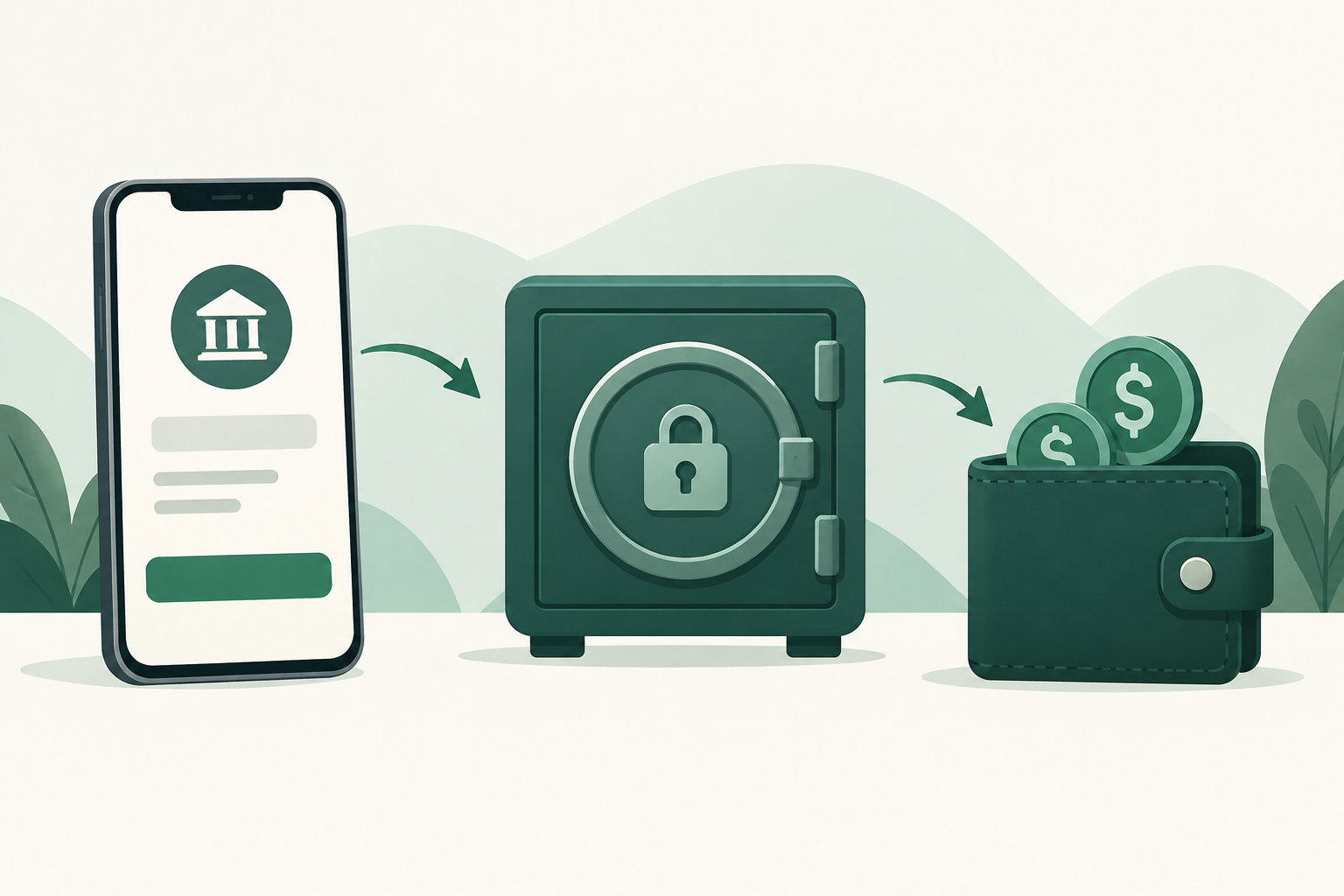
You can buy USDT with UPI by choosing a peer-to-peer offer that accepts UPI, starting an escrow-protected trade, and paying the seller using the payment details provided for that trade. The seller then confirms receipt and releases the USDT. On VouchEx, USDT uses the TRC-20 network, buyers have a 15-minute payment window, and a completed trade carries a 1% buyer fee. Check the offer’s rate, payment instructions, and total cost before committing.
The important distinction: UPI moves your rupees, not your crypto. Your bank or payment app handles the payment; the marketplace handles the crypto side. Keeping those two parts aligned is the key to a smoother purchase.
Understand what you are buying
USDT is a stablecoin designed to track the US dollar. It is not a bank deposit, and its value and accessibility are not guaranteed. You also face platform, counterparty, and transfer risks when buying or holding it.
VouchEx is a peer-to-peer marketplace for USDT on TRC-20 and Bitcoin. When you buy through a P2P offer, you are trading with another person rather than purchasing from the marketplace’s own inventory.
Every VouchEx trade is protected by escrow: the seller’s crypto is locked until the seller confirms receiving payment. That helps prevent a seller from taking the committed crypto elsewhere while the trade is active. It does not make an incorrect UPI payment reversible or remove the need to follow the trade’s instructions.
Why the network matters
USDT exists on multiple networks. If you later withdraw USDT from VouchEx, the receiving wallet or exchange must support USDT deposits on TRC-20.
A destination that supports USDT on another network is not automatically compatible. Confirm the asset, network, and deposit address with the receiving service before withdrawing. An incompatible transfer can be difficult or impossible to recover.
Check your payment setup and total cost first
Before opening a trade, make sure your UPI account works, your bank balance is sufficient, and your applicable payment limits allow the purchase. A payment window is not a good time to discover an account restriction or troubleshoot your banking app.
Use your own payment account. If an offer appears to require someone else’s account or an arrangement you do not understand, choose a clearer offer instead.
Compare more than the advertised rate
An attractive INR-to-USDT rate is only part of the cost. Check:
- The offer rate: how many rupees the seller requires for the stated USDT amount.
- The buyer fee: VouchEx charges buyers 1% per completed trade.
- The final amount received: review how the fee is presented before committing.
- Withdrawal costs: withdrawing USDT costs $2.
- Any payment-side charges: check your own bank or payment provider rather than assuming.
VouchEx also charges sellers 1% per completed trade, and deposits are free. The seller’s fee is separate from your buyer fee; do not simply treat it as another charge you owe.
A useful comparison is total rupees spent divided by the USDT you ultimately receive. If you plan to withdraw immediately, include the withdrawal fee when assessing the amount that reaches your destination. A fixed withdrawal fee has a greater proportional impact on a smaller purchase.
Do not assume whether a fee is added to your payment or deducted from your crypto. Read the displayed breakdown, and clarify anything unclear before starting.
Step by step: buy USDT with UPI on VouchEx
1. Create an account and secure it
Start at the VouchEx sign-up page. Enable optional authenticator-app two-factor authentication before funding your account. On VouchEx, this protects withdrawals and releases.
Keep your password, authenticator codes, and recovery information private. A seller does not need them to receive a UPI payment.
2. Find a suitable USDT offer
Open the marketplace and look for USDT offers accepting UPI in your intended currency and purchase range. Availability depends on the offers posted, so do not assume a suitable offer will always be available.
Read the seller’s terms before starting. Check the payment requirements, rate, purchase limits, and any information requested from you.
VouchEx uses ID verification for verified badges. A badge is an identity-related signal, not a guarantee that every instruction or payment request is safe.
3. Resolve unclear terms before committing
Make sure you understand exactly how much to pay and what USDT amount you should receive. Avoid offers whose instructions conflict with the marketplace’s trade process.
Do not proceed if the seller asks you to:
- Pay outside an active escrow-protected trade.
- Share a UPI PIN, OTP, password, or authenticator code.
- Use another person’s bank account without a clear, legitimate reason.
- Send an extra “unlock” or “release” payment not included in the agreed trade.
Choose another offer if the conditions remain confusing or uncomfortable.
4. Start the trade and check escrow
Start the trade through the platform. Confirm that the trade is active and the seller’s crypto is secured in escrow before sending rupees.
VouchEx gives buyers 15 minutes to make payment. Be ready to pay, but do not let the countdown push you into skipping recipient checks.
If you cannot complete payment within the window, follow the platform’s instructions or seek help. Do not send money after the trade has expired or been canceled.
5. Verify the UPI recipient and pay once
Use the payment details provided within the active trade. Check the UPI ID, the recipient name displayed by your payment app, and the exact amount.
If the name or details do not match what you reasonably expect, pause and clarify within the trade. Treat a last-minute change of recipient as a reason to recheck, not as a routine instruction.
Enter your UPI PIN only inside your trusted payment app to authorize a payment. You do not need to disclose it to anyone or enter it to receive crypto.
Send the agreed amount once. Do not repeat a payment merely because the seller says it has not arrived.
6. Preserve evidence and follow the payment-confirmation process
Check the transaction status in your payment app. Save the receipt, UPI transaction reference, amount, recipient details, and timestamp.
Follow the platform’s payment-confirmation instructions truthfully. A payment attempt showing “pending” is not the same as confirmed success.
Keep communication within the trade where possible. If evidence is needed, share relevant transaction details while concealing unrelated balances and personal transactions. Never edit evidence in a way that changes what happened.
7. Wait for release, then verify your balance
The seller releases the escrowed USDT after confirming receipt. Check that the completed trade and resulting balance match the agreed purchase and applicable fees.
If you want to transfer the USDT elsewhere, verify TRC-20 compatibility and review the $2 withdrawal fee before submitting the withdrawal.
What to do when a UPI payment goes wrong
Your payment is pending
Do not send another payment immediately. Check the status with your payment app or bank and tell the seller what it actually shows.
A pending transfer can later succeed or fail. Repeating it creates a risk of paying twice. If the payment window is ending, retain your evidence and seek guidance through VouchEx help rather than guessing how the platform will handle the trade.
Your app shows success, but the seller reports no receipt
Share the transaction reference and relevant payment evidence through the trade process. Ask the seller to check their account records, rather than relying only on notifications.
Do not send a replacement payment or cancel an already-paid trade simply because the seller requests it. Seek platform guidance and preserve the full conversation.
On VouchEx, disputes can be opened 3 hours after a trade starts. The opener pays 1% of the trade. Moderators aim to resolve disputes within 2 hours, but that is a target, not a guaranteed outcome or refund deadline.
The 15-minute payment window and the dispute-opening threshold serve different purposes. Do not assume that a payment problem automatically extends the payment window.
You paid the wrong recipient
Contact your bank or payment provider promptly and report the error through the platform’s help process. Preserve the transaction reference and recipient details.
Escrow locks the seller’s crypto; it does not control your bank transfer. Paying an unrelated recipient does not establish that the seller received your payment, and recovery is not guaranteed.
FAQ
Can I buy USDT with UPI on VouchEx?
Yes. VouchEx supports UPI as a payment method for P2P trading. You need an available USDT offer accepting UPI with terms, currency, and purchase limits that suit your needs. Review the offer before starting.
What fees should I budget for?
VouchEx charges buyers 1% per completed trade. USDT withdrawals cost $2, while deposits are free. Also compare the seller’s exchange rate and check any charges from your own payment provider. Review the final breakdown rather than estimating from the advertised rate alone.
How long do I have to make the UPI payment?
Buyers have a 15-minute payment window. Prepare your payment account before opening the trade. If a transfer is pending or the deadline is approaching, preserve evidence and seek guidance; do not assume you can safely pay after the trade expires.
Does escrow guarantee that nothing can go wrong?
No. Escrow locks the seller’s crypto until the seller confirms receiving payment, but it cannot prevent every payment mistake or account compromise. Correct recipient details, private security codes, and accurate payment evidence still matter.
Can I withdraw the USDT to any wallet?
Only use a destination that supports USDT on TRC-20. Confirm the receiving service’s network instructions and deposit requirements before sending. VouchEx’s USDT withdrawal fee is $2; check the final withdrawal details before confirming.
Start Trading on VouchEx with 0% Listing Fees
Explore the open P2P software protocol.