
Buy USDT with OPay Nigeria: A Payment Safety Guide
Buying USDT with an OPay-funded naira transfer depends on seller acceptance and current payment-provider rules. Here’s how to check compatibility, calculate costs, and avoid costly mistakes when a payment is delayed.
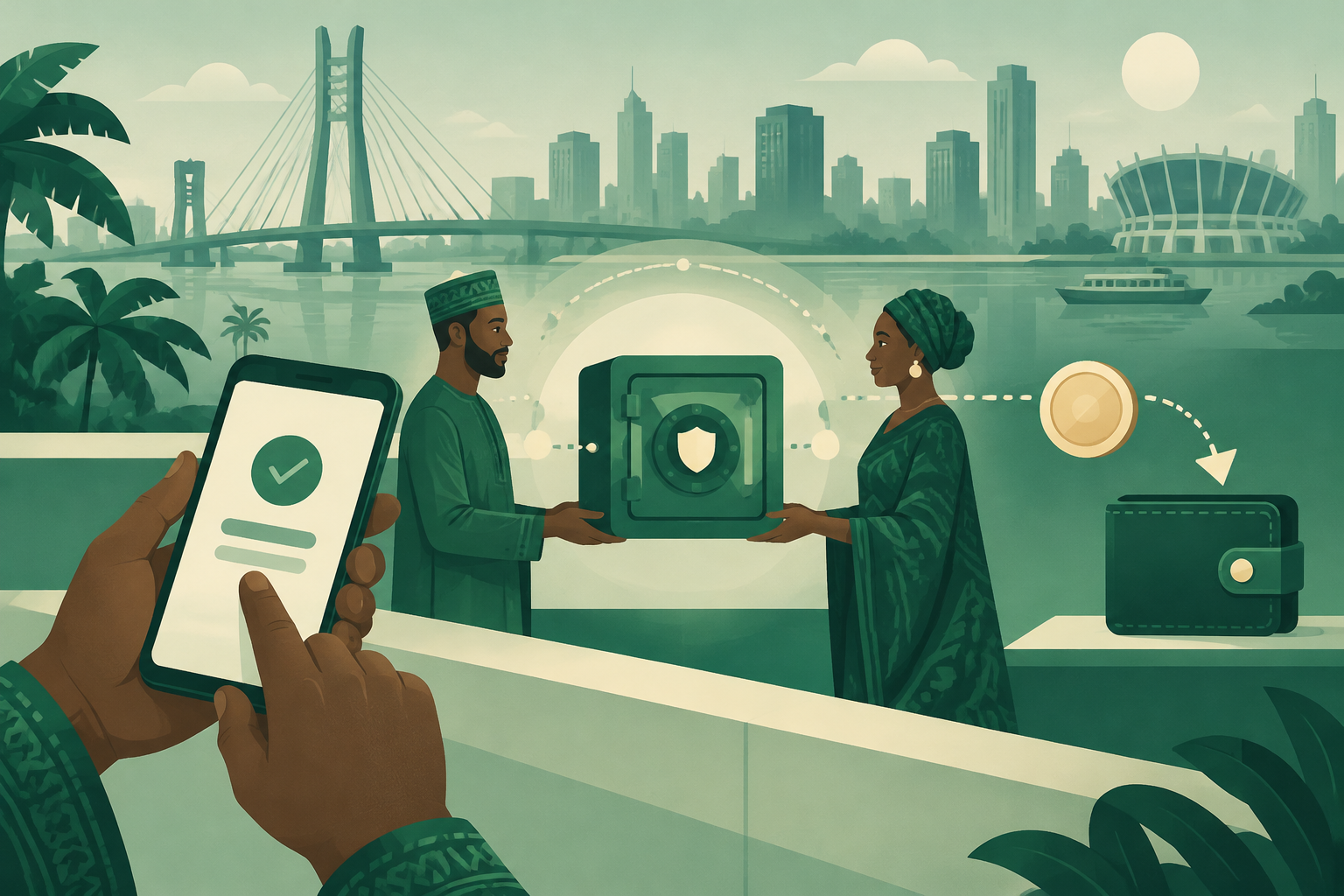
You can buy USDT with OPay in Nigeria through a peer-to-peer trade only if a seller explicitly accepts payment from your OPay account and the transaction is permitted under current provider rules. You send the agreed naira payment to the seller, and the seller releases the escrowed USDT after confirming receipt. On VouchEx, check current offers rather than assuming an OPay-compatible seller is available.
The important distinction is that OPay would be your payment source—not the place where this P2P crypto purchase happens. Before sending money, you need a compatible offer, clear payment instructions, and enough time to complete the transfer.
Check OPay compatibility before opening a trade
A seller accepting “bank transfer” does not automatically mean they accept transfers originating from OPay. Likewise, a marketplace supporting mobile money does not prove that a particular Nigerian payment service is available.
VouchEx supports hundreds of payment methods across many local currencies. However, that does not establish live OPay availability. Start with the VouchEx marketplace, look for USDT offers priced in Nigerian naira, and read each seller’s terms.
Confirm these points before committing:
- Payment source: Does the seller accept a transfer from your own OPay account?
- Destination: Must you pay an OPay account or another specified bank account?
- Name requirements: What sender details must match the buyer’s identity?
- Trade limits: Does your intended purchase fit the offer’s minimum and maximum?
- Timing: Can you complete the payment within the available window?
Check OPay’s current terms, account restrictions, and transfer limits yourself. A seller’s willingness to accept payment does not override your provider’s rules or applicable Nigerian requirements. Do not disguise the purpose of a transfer or follow instructions intended to bypass restrictions.
If no suitable offer exists, wait or choose another permitted payment route. Do not substitute OPay for the listed method without explicit agreement.
Understand what escrow does—and does not do
VouchEx is a peer-to-peer marketplace for USDT on TRC-20 and Bitcoin. Every trade is protected by escrow: the seller’s crypto is locked until they confirm they received payment.
That reduces the risk of paying a seller who has not committed crypto to the trade. It does not make every payment instruction safe or every bank transfer reversible.
You still need to verify the recipient, pay the correct amount, and keep evidence. Escrow cannot prevent you from typing the wrong account number, paying outside the order, or sending money to someone impersonating the seller.
Keep the agreement and payment discussion inside the trade’s communication channel. If someone asks you to cancel the order and pay them privately for a better rate, stop. You would lose the protection associated with that escrowed trade.
Compare the total naira cost, not just the offer rate
An attractive naira-per-USDT quote is only one part of the purchase. Your useful comparison is the total naira you spend against the USDT you ultimately receive at your intended destination.
VouchEx’s published fees are:
- Buyer fee: 1% per completed trade.
- Seller fee: 1% per completed trade.
- USDT withdrawal fee: $2.
- Deposits: Free.
The seller’s fee is separate from your buyer fee. Do not automatically add both to your own cost, and do not assume the headline quote tells you how the buyer fee is accounted for. Check the order summary for the payable amount, fee, and expected crypto amount before proceeding.
Also check whether your OPay transfer carries a charge. Use the amount actually shown by your provider rather than assuming the transfer is free.
Use a destination-based comparison
If you intend to withdraw immediately, compare:
Effective cost = total naira spent ÷ USDT received in your destination wallet
Include any payment-provider charge in the naira total and account for the withdrawal fee when checking the destination amount. A fixed withdrawal charge matters proportionally more on a smaller purchase.
If you plan to leave the USDT on the marketplace, distinguish that balance from the amount you would receive after a later withdrawal. Only trade an amount you can afford to have temporarily tied up if payment confirmation is delayed.
Step by step: buying USDT with an OPay-funded payment
1. Prepare your account and security
Create a VouchEx account if needed. Enable optional authenticator-app 2FA, which protects withdrawals and releases. Use a unique password and never share authentication codes, your OPay PIN, or login credentials with a seller.
VouchEx offers ID verification for verified badges. A badge is a useful identity signal, not a guarantee that every instruction from that account is safe.
2. Check your payment readiness
Open your OPay app before starting the trade. Check your available balance, current transfer allowance, and any service notices or restrictions.
Make sure you can cover the agreed payment and any displayed transfer charge. Use your own account; third-party payments can create identity mismatches and complicate proof of payment.
Do not start while your payment app is unavailable or a transfer restriction remains unresolved.
3. Choose a compatible offer
Read the seller’s full terms and confirm that an OPay-originated payment is acceptable. Check the naira amount, USDT amount, applicable fee, and recipient requirements.
Resolve ambiguity before opening the timed order. A seller saying “send a transfer” is not enough if their offer excludes your payment source.
4. Start the trade and verify the recipient
VouchEx buyers have a 15-minute payment window. Once the trade starts, check the order details and that the crypto is held in escrow before paying.
Enter the recipient details carefully. Compare the account name displayed by your payment app with the agreed instructions. If the name is unexpected, or the seller suddenly substitutes another account, pause and seek clarification within the trade.
Never send money merely to “test” suspicious instructions.
5. Send the exact agreed amount once
Review the recipient, amount, and any charge on the final confirmation screen. Send only the payment required by the order.
Check the transfer status before taking any paid-confirmation action. A pending transfer is not the same as a confirmed successful payment. If the status is unclear, tell the seller immediately rather than sending another transfer to beat the timer.
Save the transaction reference and receipt. Do not describe a payment as successful when your app still shows it as pending or failed.
6. Wait for receipt confirmation and release
The seller must confirm receipt before releasing the escrowed USDT. A receipt helps document your payment, but it does not replace the seller checking their receiving account.
Keep communication factual: the amount sent, transfer status, transaction reference, and time. Do not make an additional payment for a supposed “release fee,” “verification deposit,” or “unlock charge.”
7. Verify the network before withdrawing
VouchEx supports USDT on TRC-20. Your receiving wallet or exchange must accept USDT deposits on that same network.
Check the destination’s current deposit instructions, network, address, and any minimum deposit requirement. Review the $2 USDT withdrawal fee and expected received amount before confirming. A familiar-looking wallet address is not enough to establish network compatibility.
If your OPay payment is pending or the seller denies receipt
A delayed transfer is where rushed decisions become expensive. Do not assume that an account debit proves the seller has received usable funds, and do not assume that a delay means fraud.
Pending payment near the deadline
Tell the seller about the pending status inside the trade. Save the transfer reference and contact OPay through its official support route to establish whether the transfer succeeded, failed, or remains unresolved.
Also contact VouchEx support for guidance on the trade. Do not assume the payment timer pauses because you sent a message. If funds have left your account or may still arrive, do not cancel simply because the seller tells you to, and do not pay again without resolving the first transfer.
Successful status but no release
Keep a clear evidence bundle:
- The trade identifier and agreed payment instructions.
- The recipient details and naira amount.
- The payment reference, timestamp, and status.
- The relevant conversation and any provider response.
Share only relevant evidence through official channels. Never provide passwords, PINs, or authentication codes. Avoid publishing receipts containing personal information on social media.
On VouchEx, disputes can be opened 3 hours after a trade starts. The opener pays 1% of the trade, and moderators aim to resolve disputes within 2 hours. That is a resolution target, not a guaranteed outcome or deadline. You can seek support guidance before dispute eligibility begins.
FAQ
Can I buy USDT directly inside OPay?
This guide describes using an OPay-funded transfer to pay a P2P seller, not buying crypto inside OPay. Do not assume an in-app crypto purchase feature exists. Check current provider terms before using your account for a payment connected to a trade.
Does VouchEx definitely have OPay sellers in Nigeria?
Live OPay-compatible offers are not guaranteed here. Check current NGN offers and obtain explicit acceptance of your payment source. Broad support for bank transfer or mobile money does not confirm OPay availability.
Can I pay from a friend’s OPay account?
Use your own account. A different sender name can breach seller requirements and make payment ownership harder to establish. Do not send a third-party payment hoping to explain the mismatch afterward.
What if my payment is still pending after 15 minutes?
Notify the seller, preserve the reference, and contact the payment provider and marketplace support. Do not treat pending as successful, resend automatically, or assume the order’s timer has stopped. Explain clearly if money has been debited but delivery remains uncertain.
What should I check before withdrawing my USDT?
Confirm that the destination accepts USDT on TRC-20, verify the address, and check any destination minimum. Review VouchEx’s $2 USDT withdrawal fee and the expected received amount before approving the withdrawal.
Start Trading on VouchEx with 0% Listing Fees
Explore the open P2P software protocol.