
Buy USDT with Mobile Money: From Offer to Withdrawal
You can buy USDT with mobile money by paying a seller through a P2P trade protected by escrow. Here’s how to compare offers, check payment details, and handle delays without paying twice.
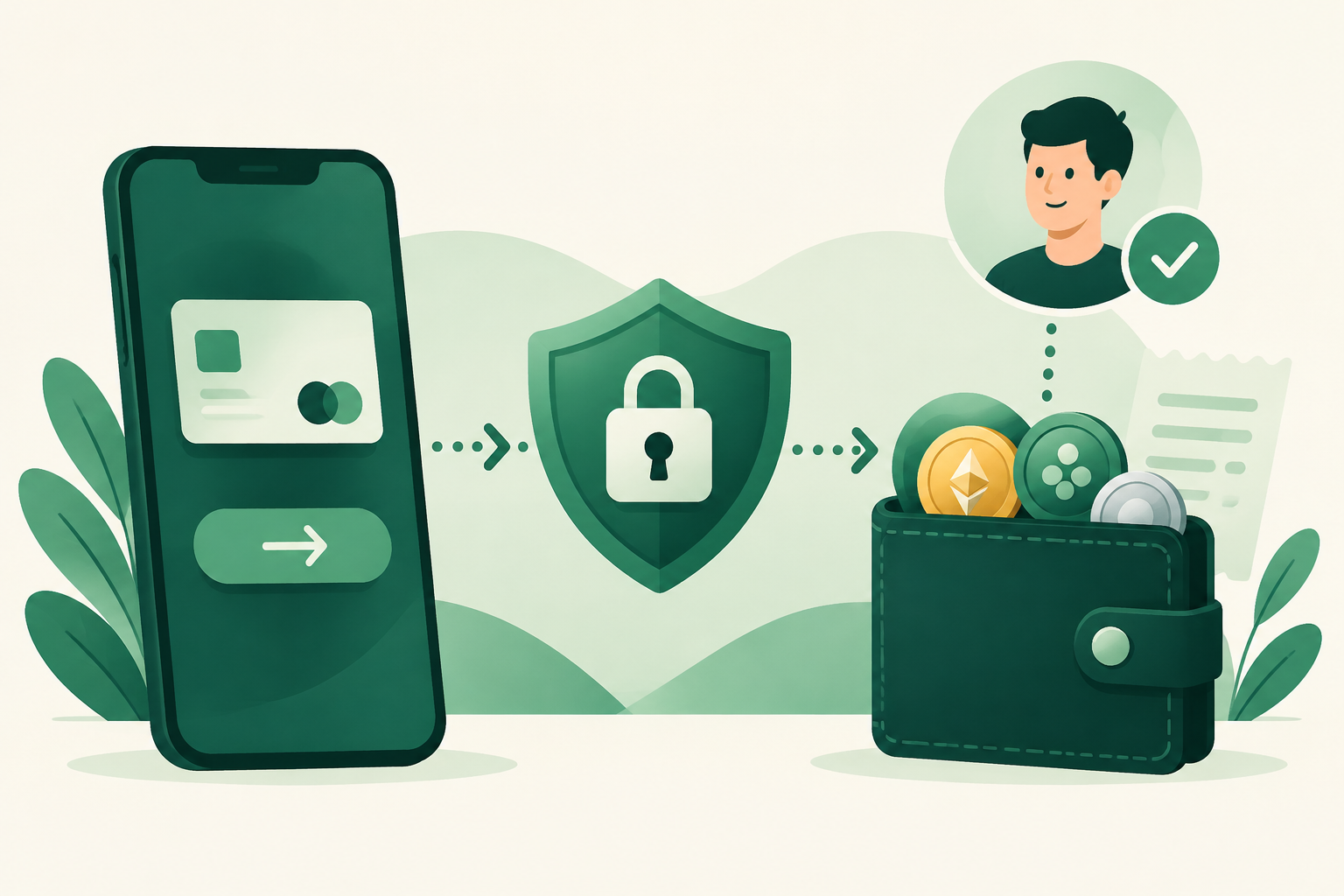
You can buy USDT with mobile money through a peer-to-peer marketplace: choose a seller who accepts your mobile money service and local currency, start an escrow-protected trade, and send payment to the agreed recipient. The seller releases the USDT after confirming receipt. On VouchEx, USDT uses the TRC-20 network, so check that any wallet you later withdraw to supports USDT on that network.
The important part is not simply finding an offer labeled “mobile money.” You need to check the provider, recipient details, total cost, and payment deadline before sending funds. This guide walks through those decisions and explains what to do if a transfer gets delayed.
What buying with mobile money actually involves
In a P2P purchase, you pay another person rather than buying directly from the marketplace. Your mobile money transfer and the crypto release are separate actions connected by the trade.
VouchEx protects every trade with escrow: the seller’s crypto is locked until they confirm they received payment. That reduces the risk of sending money while the seller still has unrestricted control of the crypto committed to your trade.
However, escrow does not check the phone number you type into your mobile money app, guarantee that your payment provider will process a transfer immediately, or make an off-platform arrangement safe. You still need to follow the offer terms and preserve payment evidence.
VouchEx supports hundreds of payment methods, including mobile money, across many local currencies. Support for mobile money does not mean an active offer will always match your particular provider, currency, and amount. Check current listings before making plans around a purchase.
Before you open a trade
Prepare your payment account first. Buyers on VouchEx have a 15-minute payment window, so opening a trade is not the time to discover that you need to fund your wallet or reset your payment PIN.
Check that:
- Your mobile money account is active and has enough available balance.
- Your transaction and daily limits allow the intended payment.
- You can cover any transfer charges shown by your provider.
- You understand the seller’s accepted provider, currency, and payment conditions.
- You can access the transaction receipt or payment history afterward.
- You have a reliable connection and time to follow the trade through.
Use your own payment account where possible. If the sender’s name will differ from the name expected under the offer terms, clarify that before starting. Do not assume a seller accepts payments made by friends, relatives, or other third parties.
For account security, VouchEx offers optional authenticator-app 2FA for withdrawals and releases. Enable it before trading, and never share your authenticator codes or mobile money PIN with a counterparty.
How to compare the real purchase cost
The cheapest-looking offer is not necessarily the lowest-cost way to receive usable USDT. Compare the amount you will pay with the amount of USDT you will receive, including any planned withdrawal.
Separate the rate from the fees
A seller’s quoted exchange rate determines how much local currency they want for the crypto. Separately, VouchEx charges the buyer 1% and the seller 1% per completed trade.
The seller’s fee is not an additional platform fee charged directly to you, although sellers may consider their costs when setting offer prices. Check the trade summary rather than assuming the headline rate includes every buyer-side charge.
Your mobile money provider may also charge for the transfer. Review that charge before confirming payment.
Include withdrawal costs if you plan to move the USDT
VouchEx charges $2 for a USDT withdrawal. Deposits are free, but that does not make a mobile money purchase fee-free: the trading fee and any payment-provider charge still matter.
A useful comparison is:
Effective purchase cost = total local currency spent ÷ USDT available after the fees relevant to your plan.
Use the amounts shown in the trade and withdrawal summaries. A fixed withdrawal fee takes a larger share of a smaller purchase, so consider your intended use before choosing an amount. Do not buy more than you can afford just to reduce the relative impact of a fee.
Step by step: buy USDT with mobile money
1. Create and secure your account
Start through the official VouchEx website and create an account. Use a unique password and enable authenticator-app 2FA.
Avoid login links sent by strangers in payment messages or social chats. A seller does not need access to your account to complete a trade.
2. Find a compatible offer
Open the VouchEx marketplace and look for USDT offers accepting your mobile money service and local currency.
Read the offer carefully. Check the supported payment route, amount limits, rate, and instructions. Similar service names do not necessarily mean payments can move between them without extra steps or charges.
If you cannot find a suitable offer, wait rather than improvising with an unsupported payment route. Anyone can post a buy or sell offer on VouchEx for free, with no merchant deposit, but posting does not guarantee a match.
3. Resolve unclear terms before starting
Confirm anything that could prevent the seller from recognizing your payment:
- Which provider and recipient account should receive it?
- Is payment sent to a phone number or another supported account identifier?
- What recipient name should appear before confirmation?
- Is a particular payment reference required?
- Are there restrictions on the sending account?
ID verification is used for verified badges on VouchEx. Treat a badge as one useful signal, not a substitute for reading terms and checking payment details.
4. Start the trade and confirm escrow
Start through the marketplace and check that the trade is active and the seller’s crypto is locked in escrow before paying.
Do not send an advance payment to “reserve” an offer. A promise to release crypto later is not the same as an active escrow-protected trade.
The buyer’s payment window is 15 minutes. If you encounter a problem, communicate promptly within the trade rather than rushing into an uncertain transfer.
5. Check the recipient and send payment
Enter the recipient details exactly as specified in the trade. Where your provider displays a recipient name, compare it with the expected name before confirming.
Stop if the details conflict or the seller suddenly asks you to pay a different person outside the agreed instructions. Do not let urgency replace verification.
Send the agreed amount and retain the transaction reference, time, amount, currency, recipient details, and payment status. Check that any provider fee has not reduced what the recipient receives below the agreed payment.
6. Record payment and wait for confirmation
Follow the trade’s instructions for indicating that you have paid. Only report payment after actually sending it, and describe the status accurately if your provider still shows it as pending.
Keep payment-related communication within the trade so there is a clear record if a disagreement arises. If proof is needed, share relevant transaction details without exposing your PIN, login codes, or unrelated financial information.
The seller releases the escrowed USDT after confirming receipt. A screenshot alone does not establish that funds reached the recipient.
7. Check your USDT before withdrawing
After release, check the completed trade and your available USDT balance.
If withdrawing, confirm that the destination supports USDT on TRC-20. Match both the asset and network; a wallet supporting USDT on another network is not enough. Verify the address and review the $2 withdrawal fee before proceeding.
What to do when a mobile money payment goes wrong
Your transfer is pending
Do not send a second payment just because the first has not arrived. Check your provider’s transaction history and contact the provider if necessary.
Tell the seller the actual status and preserve the reference. If the payment window is nearing its end, seek guidance through VouchEx help. Do not assume a pending transfer failed or that the trade deadline will automatically extend.
You paid, but the seller says nothing arrived
Compare the recipient details, amount, currency, and transaction status with the trade instructions. Ask your payment provider to clarify whether the transfer completed.
Do not cancel solely because the seller promises to release crypto afterward. Preserve the trade record and avoid making additional payments to “unlock” the release.
On VouchEx, disputes can be opened 3 hours after a trade starts. The person opening the dispute pays 1% of the trade. Moderators aim to resolve disputes within 2 hours, but that is a target, not a guaranteed outcome or deadline.
You sent money to the wrong recipient
Contact your mobile money provider promptly to ask about available recovery options, and inform the seller accurately.
Escrow locks the seller’s crypto; it does not reverse a separate mobile money transfer. Recovery depends on the circumstances and the payment provider’s processes.
FAQ
Can I buy USDT with any mobile money service?
Only if you find a seller accepting your service, currency, and payment amount. VouchEx supports mobile money among many payment methods, but specific offer availability can vary. Check the listing rather than assuming compatibility.
How much does VouchEx charge a buyer?
The buyer pays 1% per completed trade. A USDT withdrawal costs $2, and deposits are free. Your payment provider may charge separately, while the seller’s quoted rate also affects your overall purchase cost.
How long do I have to pay?
Buyers have a 15-minute payment window. Prepare your balance, account access, and payment details beforehand. Crypto release depends on the seller confirming receipt, so the payment window is not a guarantee of total completion time.
Does escrow guarantee that nothing can go wrong?
No. Escrow protects the crypto committed to the trade, but it cannot prevent incorrect recipient details, payment-provider delays, or account compromise. Keep the purchase within the trade process and verify details before paying.
Which network should I use to withdraw my USDT?
VouchEx supports USDT on TRC-20. Use a destination that explicitly supports USDT deposits on that network, verify the address, and review the withdrawal summary before confirming.
Start Trading on VouchEx with 0% Listing Fees
Explore the open P2P software protocol.