
Buy USDT with IMPS: From Bank Transfer to Escrow Release
Buying USDT with IMPS involves two separate steps: a bank transfer and an escrow release. Follow this practical checklist to compare offers, avoid payment mistakes, and handle delays.
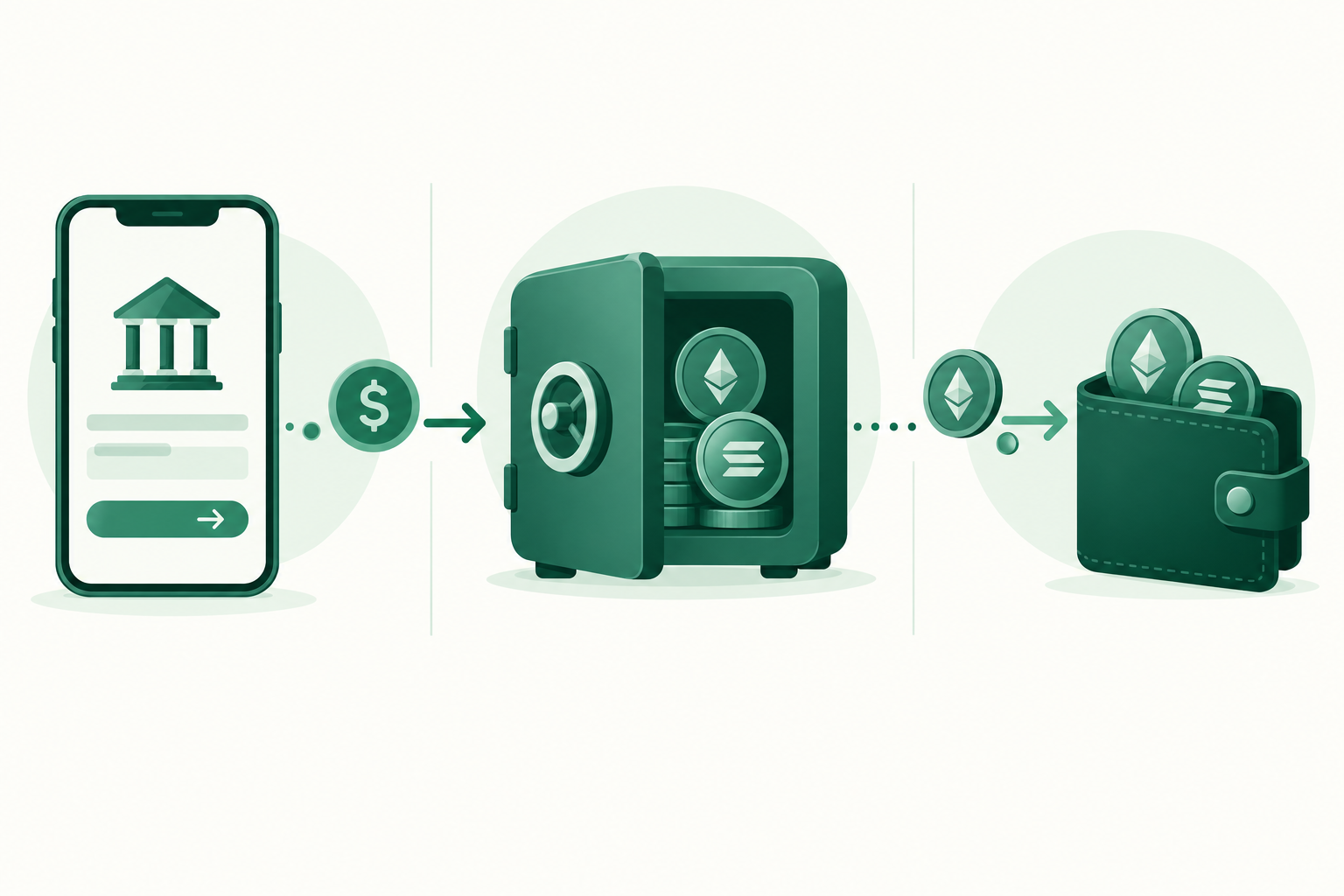
To buy USDT with IMPS, choose a P2P sell offer that accepts IMPS, open a trade with the seller’s USDT locked in escrow, and transfer the agreed INR amount using your bank’s IMPS service. The seller then confirms receipt and releases the crypto. On VouchEx, USDT uses the TRC-20 network, and buyers have a 15-minute payment window, so prepare your bank account before starting.
The important distinction: IMPS moves your rupees between bank accounts; it does not deliver USDT. Escrow holds the seller’s crypto while the payment is completed. A successful purchase requires both parts to finish.
What to prepare before opening a trade
IMPS is an Indian bank-transfer service designed for immediate transfers and round-the-clock availability. That does not guarantee every payment arrives instantly: bank maintenance, security checks, beneficiary restrictions, and transaction limits can interrupt a transfer.
Before committing to an offer, check:
- Bank access: Your banking app works, and you can complete its authentication steps.
- Available balance: You have enough INR for the agreed payment and any bank charges.
- Transfer limits: Your bank’s IMPS limit covers the intended purchase.
- Beneficiary rules: You know whether adding a new recipient triggers a waiting period or reduced limit.
- Account ownership: You will pay from your own bank account, rather than a friend’s or relative’s.
- Destination network: If withdrawing later, your receiving wallet or exchange supports USDT on TRC-20.
Check beneficiary restrictions before starting, but obtain the actual payment details through the active trade. Do not send money to an account copied from an old transaction or a private message outside the marketplace.
If your bank requires a waiting period that exceeds the payment window, ask about the requirements before committing. Do not open a timed trade hoping the restriction will disappear.
Compare the total cost, not just the advertised rate
A low INR-per-USDT rate is only one part of the price. The trade amount, buyer fee, possible bank charges, and withdrawal fee determine what you actually spend and receive.
VouchEx’s published fees are:
- Buyer fee: 1% per completed trade.
- Seller fee: 1% per completed trade.
- USDT withdrawal fee: $2.
- Deposits: Free.
The seller’s fee is separate from your buyer fee. Do not automatically add both percentages to your own costs, although a seller may account for their expenses when setting an offer price.
Before confirming, check the displayed payment amount, fee treatment, and USDT receivable. Do not assume the buyer fee is collected in a particular currency or deducted in a particular way.
A useful comparison is:
Effective INR cost per USDT = total INR spent ÷ USDT ultimately received
Include any bank charge in your spending. If you plan to withdraw, account for the withdrawal fee when assessing the final amount reaching your destination. A fixed withdrawal charge has a greater proportional impact on a smaller purchase.
You can browse the VouchEx marketplace for suitable offers. Support for IMPS does not guarantee that an offer matching your amount is available at every moment.
Step by step: buy USDT with IMPS
1. Set up and secure your account
Start at the official VouchEx website and create your account. Use a unique password and consider enabling optional authenticator-app 2FA, which protects withdrawals and releases.
VouchEx offers ID verification for verified badges. Treat a badge as one trust signal, not a guarantee that every instruction from a counterparty is safe.
2. Choose a compatible USDT offer
Look for an offer selling USDT for INR through IMPS. Read the terms before opening the trade, paying particular attention to:
- Minimum and maximum purchase amounts.
- The quoted INR price and payment requirements.
- Whether the seller accepts payment from your bank.
- Any account-name matching requirements.
- Any instructions you cannot complete within the payment window.
Avoid offers that require moving the transaction to private messaging, sharing banking credentials, or paying an extra deposit outside the trade.
3. Open the trade and verify escrow
Every VouchEx trade is protected by escrow: the seller’s crypto is locked until they confirm receiving payment.
Before transferring INR, check that you are in the active trade and that the seller’s USDT is locked in escrow. An advertisement or a promise in chat is not enough.
Check the trade amount and payment instructions again. If the recipient details are inconsistent or the seller suddenly substitutes a different account, pause and seek clarification through the platform. Do not treat urgency as a reason to skip checks.
4. Send the exact IMPS payment
In your bank’s app, select IMPS and enter the recipient details supplied within the trade. For account-based transfers, this commonly means the account number and IFSC.
Carefully review the beneficiary details and amount before authorizing. If your bank displays a recipient name, compare it with the trade information and resolve unexplained differences before paying.
Send the exact agreed amount from your own account. Avoid splitting the payment unless this was explicitly agreed and permitted by the trade terms. Never invent a payment purpose or use misleading wording at a seller’s request.
Complete payment within the 15-minute window. A pending transfer is not the same as confirmed receipt, even if your account has been debited.
5. Preserve proof and report the actual status
Save the bank-generated transaction receipt and reference number. Useful evidence includes:
- Payment amount and timestamp.
- Recipient details sufficient to identify the transfer.
- The bank’s transaction reference.
- The current status: successful, pending, or failed.
Tell the seller what the bank actually shows. If the trade provides a payment-confirmation action, use it only after making the transfer and follow its instructions. Never claim to have paid before sending money.
Keep communication in the trade. Do not expose your banking password, PIN, OTP, or unrelated account history as proof.
6. Check the release and any withdrawal
The seller confirms that the INR arrived and releases the USDT. Verify that the crypto is credited before treating the purchase as complete.
If withdrawing, confirm that the destination accepts USDT on TRC-20. Matching the token name alone is insufficient: USDT on another network is not interchangeable for deposit purposes. Review the address, network, destination requirements, and $2 withdrawal fee before authorizing.
What to do when the bank transfer or release stalls
Your IMPS transfer is pending
Check the transaction in your bank’s app and contact the bank if necessary. Share the reference and accurate status within the trade.
Do not send a second payment simply because the first has not appeared. The original transfer could still complete, creating a duplicate payment.
If the payment window is close to expiring, document the situation and seek platform guidance. Do not assume the timer automatically extends or that a bank debit proves the seller received funds.
Your bank shows success, but the seller reports no receipt
Ask the seller to check their actual bank transactions rather than relying only on notifications. Provide the transfer reference, amount, and timestamp so the payment can be traced.
Keep the trade record intact. Do not cancel a paid trade merely because someone promises a later release or refund. If there is a genuine mismatch, follow the platform’s support and dispute process rather than sending more money.
The seller still does not release the USDT
On VouchEx, a dispute can be opened 3 hours after the trade starts. The opener pays 1% of the trade, and moderators aim to resolve disputes within 2 hours. That resolution target is not a guarantee.
The dispute threshold is separate from the 15-minute payment window; it is not extra time to pay. Preserve the trade details, bank receipt, reference number, and relevant messages. Consult the help section for guidance while preparing your evidence.
Know what escrow cannot do
Escrow protects the crypto leg of the transaction. It does not make incorrect bank details safe, reverse an IMPS payment on demand, or remove bank-compliance and tax obligations.
Before buying, check current Indian requirements and your bank’s terms. Keep purchase and fee records for any applicable reporting. USDT also carries issuer, market, and network risks; buying a stablecoin is not the same as holding a bank deposit.
A sensible rule is to proceed only when the offer terms, bank recipient, payment status, and escrow status are clear. If one is uncertain, resolve it before taking the next irreversible step.
FAQ
Can I buy USDT with IMPS on VouchEx?
VouchEx supports USDT trading and IMPS as a payment method. You need a suitable live sell offer accepting IMPS for your currency and purchase amount. Check availability and terms before opening a trade.
Is an IMPS purchase instant?
Not necessarily. IMPS is designed for immediate bank transfers, but banking delays can occur. The seller must also confirm receipt and release escrow before the purchase is complete.
Can I pay from someone else’s bank account?
Use your own account. Third-party payments can create identity mismatches and make disputes harder to resolve. Check the offer’s requirements before starting, rather than assuming another person’s account will be accepted.
What fees should I budget for?
VouchEx charges the buyer 1% per completed trade and $2 for a USDT withdrawal. Also consider the seller’s quoted exchange rate and any bank charge. Check how the buyer fee affects your payment or receivable before confirming.
What if I paid but have not received my USDT?
Preserve your receipt and transaction reference, communicate within the trade, and do not pay twice or cancel under pressure. VouchEx disputes become available 3 hours after trade start; opening one costs 1% of the trade.
Start Trading on VouchEx with 0% Listing Fees
Explore the open P2P software protocol.