
Buy USDT with Faster Payments UK: A Step-by-Step Guide
Buying USDT with a UK bank transfer means checking more than the advertised rate. Learn how to verify a Faster Payments offer, calculate your costs, and manage payment delays without losing track of your escrow trade.
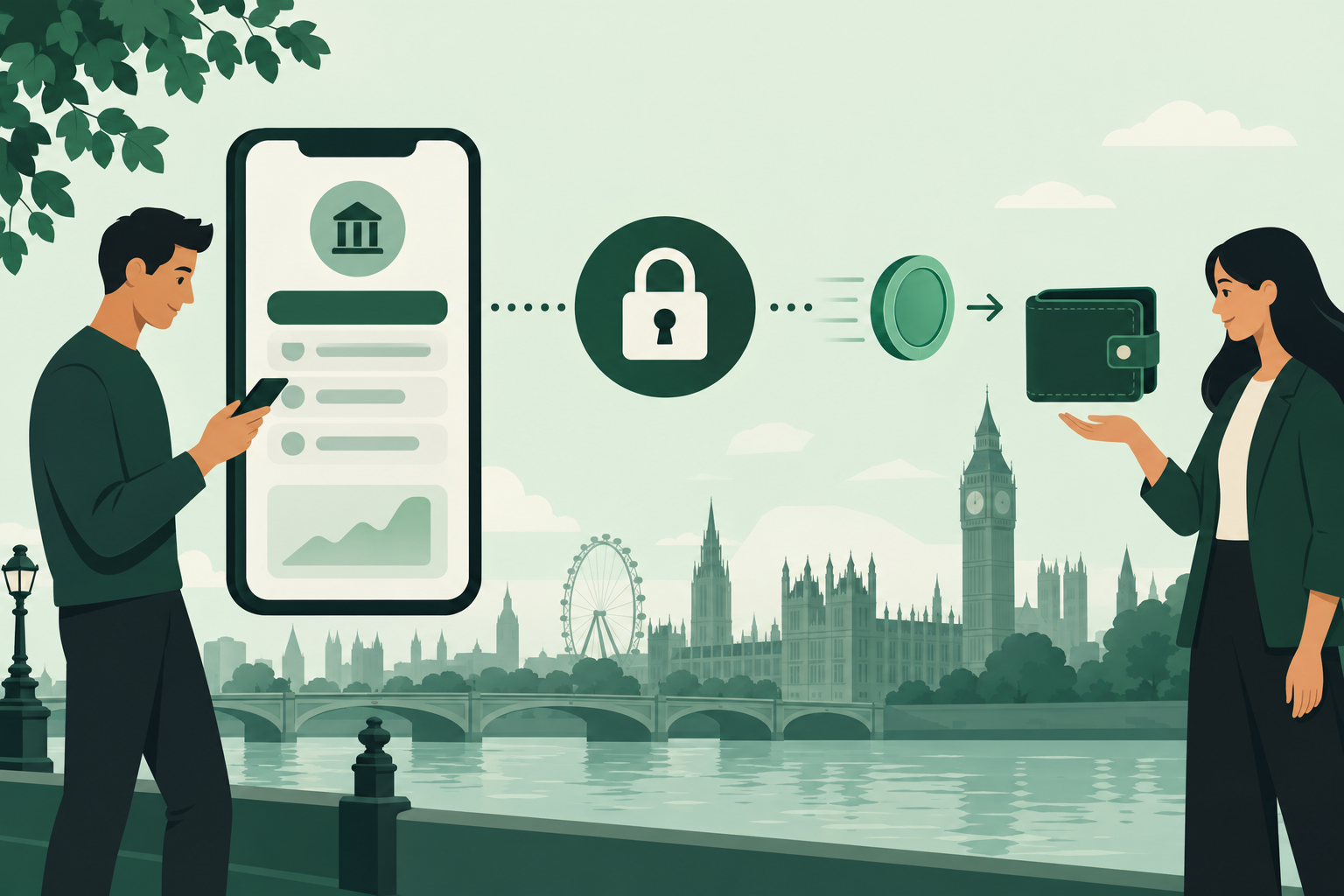
To buy USDT with Faster Payments in the UK, find a peer-to-peer seller who explicitly accepts GBP through Faster Payments, check the price and payment instructions, then start an escrow-protected trade before sending money. Once the seller confirms receipt, they release the USDT. On VouchEx, check current offers rather than assuming this payment route is available: support for bank transfers does not guarantee a matching UK Faster Payments offer.
The important distinction is that your bank payment and your crypto delivery are separate events. A transfer marked as sent in your banking app does not automatically mean the seller has received it—or that your USDT has been released.
Understand what you are buying and how you will pay
Faster Payments is a UK bank-payment system used for sterling transfers between participating accounts. Payments can arrive quickly, but bank checks, account restrictions or technical issues can delay them. Do not treat the name as a delivery guarantee.
In a P2P purchase, you pay the seller using the agreed method. The marketplace holds the seller’s crypto in escrow while that payment is completed.
VouchEx is a peer-to-peer marketplace for USDT on TRC-20 and Bitcoin. Every trade is protected by escrow: the seller’s crypto is locked until they confirm they have received payment.
Before choosing an offer, separate these three details:
- Payment currency: you intend to send GBP, not USD or another currency.
- Payment route: the seller must accept Faster Payments, not simply an unspecified bank transfer.
- Crypto network: VouchEx supports USDT on TRC-20, which must also be supported by your eventual receiving wallet or exchange.
USDT is designed to track the US dollar, not sterling. Its GBP price can change with exchange rates and seller pricing, and its dollar peg is not a guarantee. Escrow protects the trade process; it does not remove asset, banking or wallet risks.
Check availability and the real purchase cost
Start with the VouchEx marketplace. Look for USDT offers in GBP, then read the payment method and full terms. If an offer only says “bank transfer,” ask the seller whether they accept a UK Faster Payments transfer before starting.
If you cannot find a suitable offer, wait or choose another clearly supported route. Do not select a different payment method and arrange an unofficial substitution in private messages.
Compare what you pay with what you receive
The advertised exchange rate is only part of the cost. VouchEx charges:
- Buyer fee: 1% per completed trade.
- Seller fee: 1% per completed trade.
- USDT withdrawal fee: $2.
- Deposits: free.
The seller fee is separate from your buyer fee; do not automatically add both as direct charges to your purchase. A seller may account for their costs in the price they offer.
Before committing, check the total GBP payment, how the buyer fee is applied, and the USDT you will receive. If you intend to withdraw, account for the withdrawal fee as well. Ask for clarification if the quote does not make those amounts clear.
A useful comparison is:
Effective purchase price = total GBP spent ÷ USDT received after applicable fees
Compare offers on the same basis: either USDT held on the marketplace or USDT delivered to your external wallet. A fixed withdrawal fee matters proportionally more for a smaller withdrawal.
Step by step: buy USDT using Faster Payments
1. Prepare your account and bank access
Create a VouchEx account if needed. Enable optional authenticator-app two-factor authentication before trading. It protects withdrawals and releases, although it cannot prevent every scam or payment mistake.
Have your banking app ready, check your available balance and review any transfer limits or crypto-related restrictions imposed by your bank. Use your own bank account rather than sending money through a friend or another person.
Do not start a trade while you are still arranging funds. VouchEx buyers have a 15-minute payment window.
2. Read the seller’s terms before opening the trade
Confirm that the offer matches your intended purchase:
- USDT is the asset being sold.
- GBP is the payment currency.
- Faster Payments is explicitly accepted.
- Your purchase fits the offer’s stated limits.
- You can satisfy the payment and account-name requirements.
Check any available seller information. VouchEx uses ID verification for verified badges, but a badge is not a promise that a transaction will be trouble-free.
Resolve unclear terms first. Do not open an order hoping the seller will agree to a different payment arrangement afterwards.
3. Start the trade and confirm escrow protection
Open the trade through the marketplace. Before sending GBP, confirm that the transaction is active and the seller’s crypto is locked in escrow.
Keep payment instructions and discussion within the trade conversation. Reject requests to cancel the order and pay directly, or to move the transaction to an external messaging app.
Escrow is useful only when your payment remains connected to the protected trade.
4. Check the bank details carefully
Use the recipient details supplied for the active trade. Check the account-holder name, sort code, account number and any required reference.
If your bank provides a Confirmation of Payee result, review it. A mismatch or warning is a reason to pause and clarify—not something to dismiss because the seller is rushing you. A name match alone does not prove that an offer is safe.
Stop if the seller unexpectedly changes the recipient, requests multiple unrelated payments, or tells you to mislead your bank about the purpose of the transfer.
Use a reference only if it is accurate and consistent with the agreed instructions. Never lie to bypass a bank’s controls.
5. Send the agreed payment and retain evidence
Send the exact agreed GBP amount within the payment window. Follow the marketplace’s payment-confirmation process only after you have genuinely submitted the transfer.
Save evidence showing:
- The amount and currency.
- The recipient details.
- The transaction reference.
- The payment time and bank status.
A “pending” status is not the same as confirmed receipt. Tell the seller honestly what your bank displays. Share only the evidence necessary for the trade; never disclose banking passwords, one-time codes or unrelated account activity.
6. Wait for release, then verify your USDT
The seller should confirm receipt in their bank account before releasing the escrowed crypto. Your receipt helps document the payment, but it does not replace that check.
Once the trade is completed, verify the USDT received against the agreed quote and fees. Keep the trade record and payment evidence for your own accounting and any relevant tax reporting.
What to do if the payment or release is delayed
Your bank blocks or holds the transfer
Do not repeatedly retry without understanding the first payment’s status. You could create duplicate payments.
Tell the seller within the trade conversation and contact your bank through its official app or phone number. Ask whether the payment was rejected, remains under review, or has been sent. Do not switch banks or disguise the transfer to evade a restriction.
If you have sent money, avoid cancelling the trade simply because the timer is running out. Contact platform support promptly, explain the payment status and preserve your evidence. Do not assume escrow will remain locked indefinitely after a deadline.
The seller says the money has not arrived
Compare the recipient details and reference with your bank’s record. Ask your bank about tracing the payment if necessary. Do not send a second payment just to obtain release while the first remains unresolved.
On VouchEx, disputes can be opened 3 hours after a trade starts. The person opening the dispute pays 1% of the trade, and moderators aim to resolve disputes within 2 hours. That is a target, not a guaranteed outcome or deadline.
Use the help section for support guidance while documenting the issue. Keep the trade conversation, payment receipt and any bank confirmation available. Escalate suspected fraud to your bank promptly as well; a platform dispute is not a substitute for bank assistance.
Withdraw only to a compatible USDT address
If you want to move your USDT elsewhere, confirm that the destination accepts USDT deposits on TRC-20. Do not choose a different network because the asset ticker is also USDT.
Check the destination’s deposit requirements, copy the address carefully and verify it before authorising the withdrawal. The VouchEx USDT withdrawal fee is $2; check the final amount before proceeding.
A small test withdrawal can reduce address risk, but it also incurs a withdrawal fee. Decide whether that extra cost is appropriate rather than treating a test as cost-free.
FAQ
Can I definitely buy USDT with Faster Payments on VouchEx?
Availability depends on current offers. VouchEx supports bank transfers among many payment methods, but that does not establish that a GBP Faster Payments seller is available. Check the marketplace and confirm the route before opening a trade.
How long does buying USDT with Faster Payments take?
It depends on bank processing, any payment review and the seller’s confirmation of receipt. VouchEx gives buyers a 15-minute payment window, but that is not a guarantee that crypto will be released within that period.
What fees should I budget for?
Budget for the seller’s quoted exchange rate and VouchEx’s 1% buyer fee. If you withdraw USDT, include the $2 withdrawal fee. Check any charges your bank may apply and compare the final USDT received, not just the headline rate.
Can I pay from someone else’s bank account?
Use your own account. Third-party payments can create identity mismatches, raise fraud concerns and complicate evidence if a dispute occurs. If you cannot meet the seller’s account-name requirements, do not send the payment.
Is buying USDT through escrow risk-free?
No. Escrow locks the seller’s crypto during the trade, but it does not guarantee bank processing, eliminate fraud or protect against sending a withdrawal to the wrong network. Keep the transaction on-platform, verify payment details and never send extra money to “unlock” a release.
Start Trading on VouchEx with 0% Listing Fees
Explore the open P2P software protocol.