
Buy USDT in Philippines: PHP Payments Without Guesswork
Buying USDT with Philippine pesos starts with finding a suitable offer—not just the lowest advertised rate. Here’s how to check payment compatibility, compare total costs, and complete an escrow-protected purchase.
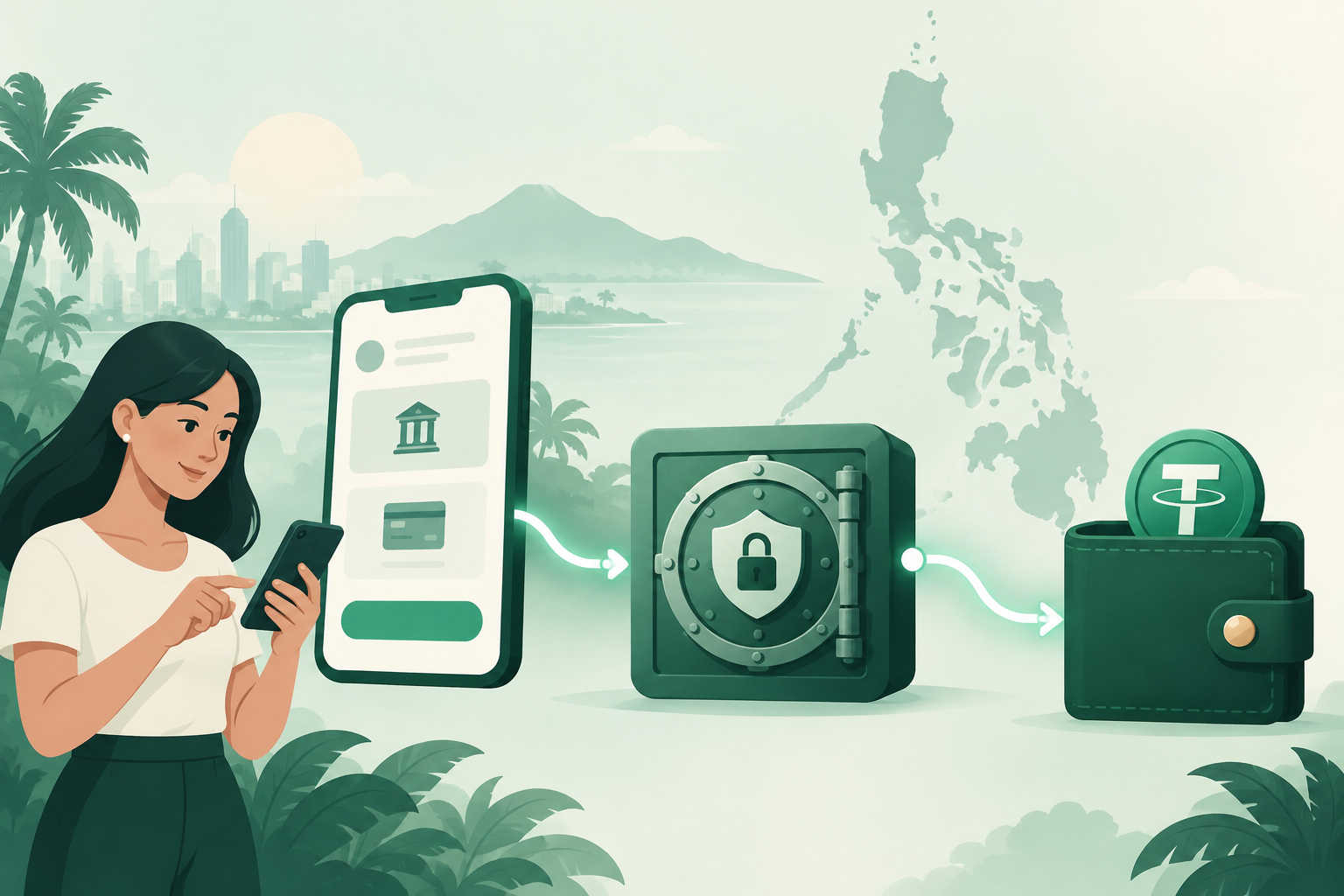
To buy USDT in Philippines, find a peer-to-peer offer that accepts Philippine pesos through a payment method you can use, check the total cost, and pay only after the seller’s crypto is locked in escrow. VouchEx supports USDT on the TRC-20 network, but you should check current offers for PHP and your preferred payment method rather than assume local availability.
For a Philippine buyer, the important questions are practical: Can your bank or e-wallet complete the payment on time? How much USDT will you receive after fees? And can your destination wallet accept TRC-20 USDT? This guide walks through those checks before you commit money.
Start with the Philippine payment route
A marketplace supporting many payment methods does not mean every seller accepts every method. You need a specific offer whose currency, payment instructions, and purchase limits fit your situation.
VouchEx supports hundreds of payment methods, including bank transfer, PayPal, mobile money, and more, across many local currencies. Browse the USDT marketplace to see whether a suitable PHP offer is currently available.
Check your bank or e-wallet before opening a trade
If you want to pay through GCash, Maya, or a Philippine bank account, verify that the seller explicitly accepts that route. These are payment options to look for, not a promise that they are available on VouchEx at any given time.
Before starting, check:
- Currency: Does the offer actually quote payment in PHP?
- Transfer route: Is the seller asking for a bank transfer, wallet transfer, or another method?
- Account eligibility: Can your account send the required amount without an upgrade or limit increase?
- Available balance: Can you cover both the payment and any provider charge?
- Timing: Is the transfer expected to arrive within the payment window?
Do not treat a payment app’s ability to send to a bank as proof that the seller accepts that route. Ask about ambiguity before starting the trade, and keep the agreement in the platform’s trade conversation.
Avoid unnecessary currency conversion
A USD-priced offer may look attractive until your payment provider converts PHP and adds charges. For a local purchase, compare the actual pesos leaving your account—not just the seller’s headline rate.
If no suitable PHP offer is available, waiting is safer than improvising an unsupported payment arrangement. Anyone can also post a buy or sell offer on VouchEx for free, with no merchant deposit, although posting does not guarantee a match.
Work out the real PHP cost
The cheapest-looking offer is not necessarily the cheapest completed purchase. Separate the seller’s exchange rate from the marketplace fee, payment-provider charges, and any withdrawal cost.
VouchEx’s stated fees are:
- Buyer fee: 1% per completed trade.
- Seller fee: 1% per completed trade.
- USDT withdrawal fee: $2.
- Deposits: Free.
The seller’s 1% fee is separate from your buyer fee; do not automatically add both as charges you personally pay. A seller may account for their costs when setting an offer price, which is why the final quote matters.
Before paying, establish the total PHP payment and the net USDT you expect to receive. Check how the buyer fee is applied rather than assuming it is included in the advertised price.
Compare the amount that reaches your destination
A useful comparison is:
Effective PHP cost per USDT = total PHP spent ÷ net USDT received at your intended destination.
Include bank or wallet transfer charges in total PHP spent. If you plan to withdraw immediately, account for the stated $2 USDT withdrawal fee when checking the final amount. Do not assume a dollar-denominated charge is a peso charge.
A fixed withdrawal fee has a larger proportional effect on a smaller purchase. That is a reason to calculate carefully—not a reason to buy more crypto than you can afford.
How to buy USDT step by step
1. Prepare your account and secure access
Create a VouchEx account, then enable the optional authenticator-app two-factor authentication. It protects withdrawals and releases, adding a security check around sensitive actions.
Use a unique password and keep recovery information somewhere secure. Never give a seller your password, authentication code, banking PIN, or one-time payment code.
If you intend to send the USDT elsewhere, confirm the destination’s network support before purchasing.
2. Choose an offer you can actually complete
Look for USDT, the appropriate payment currency, and a method you can use from your own account. Read the entire offer, including purchase limits and payment conditions.
ID verification is used for verified badges on VouchEx. A badge is a useful identity signal, but it does not replace clear terms or careful payment checks.
Avoid offers that require unrelated payments, private side arrangements, or a different recipient after the trade begins. Resolve uncertainty before committing.
3. Confirm the amount and recipient
Check the agreed PHP total against your available balance and transfer limits. Confirm the recipient’s details through the platform’s trade conversation.
Use your own payment account where possible. Third-party payments can create confusion about who paid and make evidence harder to reconcile.
If the bank or wallet displays an unexpected recipient name, stop and clarify. Do not send money simply because someone says the mismatch is normal.
4. Start the trade and check escrow
Every VouchEx trade is protected by escrow: the seller’s crypto is locked until they confirm receiving payment.
Verify that the trade is active and the crypto is secured before sending PHP. Escrow protects the crypto side of the transaction; it does not prevent you from sending money to the wrong account or outside the agreed process.
Do not accept a request to pay first and open an escrow trade afterward.
5. Pay within the 15-minute window
Buyers have a 15-minute payment window. Have your payment app ready before starting, and avoid opening a trade during known service interruptions or when your account needs additional verification.
Send the exact agreed amount through the agreed route. Save the transaction reference, amount, recipient details, and payment status. Follow the trade’s instructions for recording that you have paid.
If the transfer is pending, do not send a second payment merely because the first has not appeared. Explain the status in the trade conversation and preserve the receipt.
6. Wait for confirmation and check receipt
The seller must confirm they received payment before releasing the escrowed crypto. A receipt showing that you initiated a transfer is not always proof that the recipient has received it.
After release, check the USDT amount received against the agreed trade details. If something does not match, preserve the record and seek assistance rather than moving the discussion to a private messaging app.
What to do if your payment is delayed
A banking delay and a dishonest counterparty can look similar at first. Start with evidence, not accusations.
Keep the following together:
- The original offer and agreed payment instructions.
- Your payment receipt and transaction reference.
- The amount, recipient, and time shown by your payment provider.
- The trade conversation and any explanation of the delay.
On VouchEx, a dispute can be opened 3 hours after the trade starts. The person opening it pays 1% of the trade, and moderators aim to resolve disputes within 2 hours. That resolution time is a target, not a guarantee.
Use the help section for guidance if you have paid but the trade is not progressing. Do not cancel a paid trade merely because the seller asks you to restart elsewhere, and do not pay an extra private “release fee.”
Share relevant evidence through the appropriate support process, but never disclose account passwords, authentication codes, or unrelated financial records.
Withdraw only to a compatible TRC-20 destination
VouchEx’s supported USDT network is TRC-20. A wallet or exchange accepting USDT does not necessarily accept it on that network.
Before withdrawing:
- Open the destination’s USDT deposit instructions.
- Confirm that TRC-20 is supported and deposits are available.
- Copy the address carefully and compare it after pasting.
- Check any destination minimum deposit requirement.
- Review the withdrawal fee and expected arrival amount.
Selecting the wrong network can result in lost funds or a difficult recovery process. Do not rely on the token name alone.
Finally, remember that USDT is a cryptoasset designed to track the US dollar—not a Philippine peso bank balance. Its PHP value can change with exchange rates, and stablecoins carry issuer and market risks. Keep transaction records and check current Philippine tax and regulatory obligations where relevant.
FAQ
Can I buy USDT with Philippine pesos on VouchEx?
You need a currently available offer that explicitly accepts PHP through a payment method you can use. VouchEx supports many local currencies and payment methods, but that does not guarantee a suitable Philippine offer at the moment you search.
Can I use GCash or Maya to pay?
Only if the specific seller’s offer accepts your intended payment route. Do not assume support because a marketplace lists mobile money or bank transfers generally. Confirm the method, recipient, and transfer requirements before opening the trade.
What fees should a Philippine buyer budget for?
VouchEx charges the buyer 1% per completed trade and states a $2 USDT withdrawal fee. Deposits are free. Also account for the seller’s quoted exchange rate and any payment-provider or currency-conversion charges.
What happens if I pay but the seller does not release USDT?
Keep the trade record and payment evidence, communicate within the platform, and seek help. Disputes can be opened 3 hours after the trade starts. The opener pays 1% of the trade; moderators aim to resolve disputes within 2 hours.
Is escrow enough to make a purchase risk-free?
No. Escrow locks the seller’s crypto, but it does not eliminate wrong-recipient payments, account compromise, network mistakes, or USDT-related risks. Combine escrow with accurate payment details, two-factor authentication, and careful withdrawal checks.
Start Trading on VouchEx with 0% Listing Fees
Explore the open P2P software protocol.