
How to Buy Bitcoin With Zelle: A Safer P2P Guide
Buying Bitcoin with Zelle means paying a seller, not buying crypto inside Zelle. Here’s how to check availability, compare the real cost, and avoid common payment mistakes.
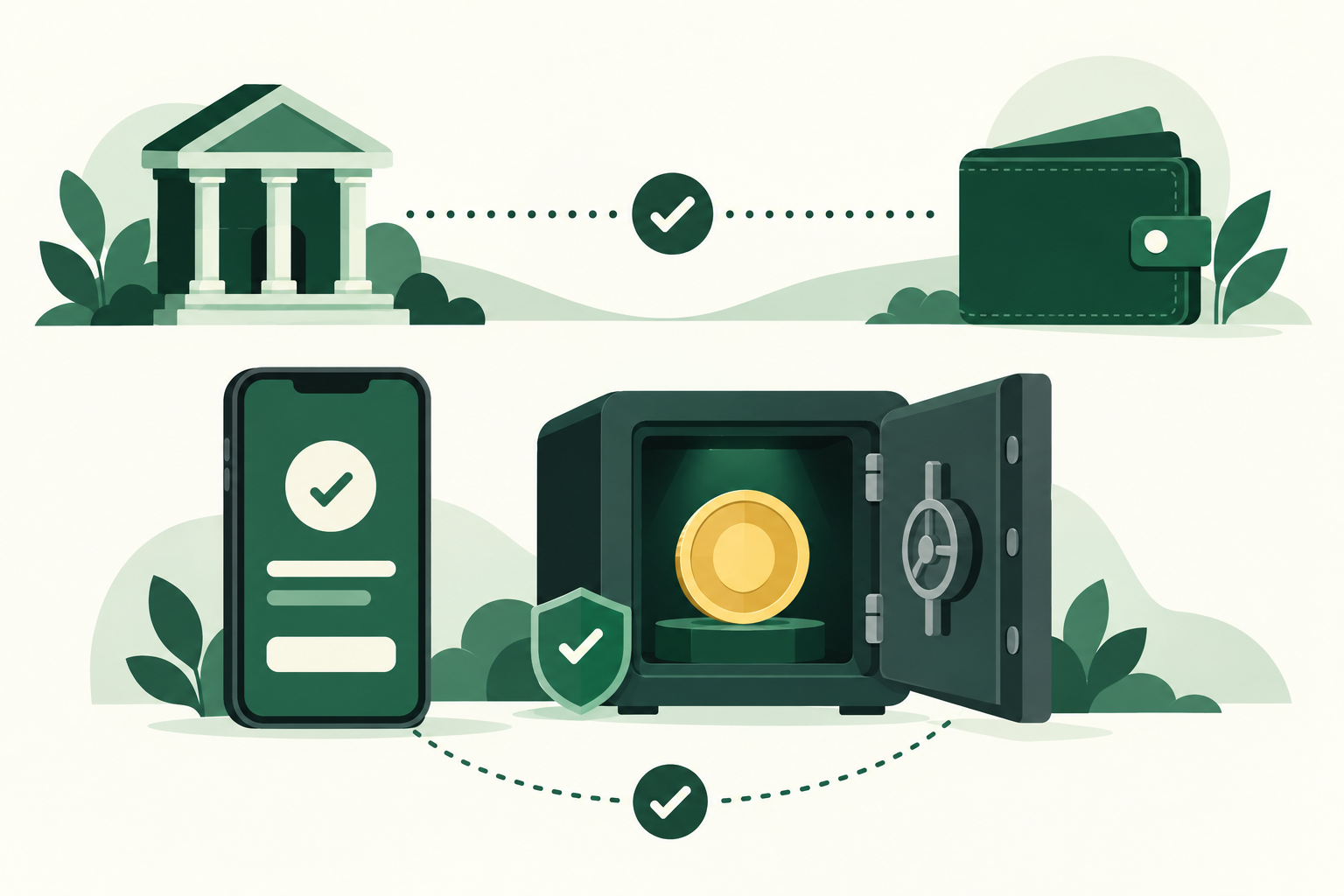
You can buy Bitcoin with Zelle by finding a peer-to-peer seller who explicitly accepts it, provided your bank’s rules allow the transaction. You send dollars through your bank’s Zelle service, and the seller releases Bitcoin from marketplace escrow after confirming receipt. Zelle itself does not sell Bitcoin, and you should not assume that every crypto marketplace—or every bank—supports this use.
The important distinction is that your bank payment and your Bitcoin purchase are separate transactions. Escrow helps secure the crypto side, but it does not make a Zelle payment reversible or guarantee that a stranger is trustworthy.
Before you look for a Zelle Bitcoin offer
Zelle is intended for payments to people and businesses you trust. It does not provide purchase protection for purchases made using the service. Buying from an unfamiliar P2P seller therefore carries risk even when a marketplace uses escrow.
Check your bank’s eligibility and rules
Zelle generally requires eligible U.S. bank accounts. Availability, enrollment requirements, sending limits, and payment reviews depend on your financial institution.
Before opening a trade, check:
- Whether your bank offers Zelle and your enrollment is complete.
- Whether its current terms permit your intended payment.
- Your remaining sending limit and available balance.
- Whether a new recipient could trigger a delay or additional review.
Do not split payments to bypass restrictions, disguise the purpose of a payment, or use someone else’s account. If the bank does not permit the transaction, choose a different permitted funding method rather than working around the restriction.
Confirm that an actual Zelle offer exists
VouchEx is a P2P marketplace for Bitcoin and USDT on TRC-20, with hundreds of payment methods across many local currencies. That does not establish that a Zelle Bitcoin offer is currently available.
Check the marketplace for a Bitcoin offer that explicitly names Zelle and supports your amount and currency. A generic “bank transfer” offer is not enough: the seller must agree to the specific payment method in the trade terms.
If no suitable offer exists, do not persuade an unrelated seller to accept an off-platform arrangement.
How to buy Bitcoin with Zelle, step by step
1. Prepare your account before starting the clock
You can create a VouchEx account before selecting a trade. Review account requirements and enable the optional authenticator-app two-factor authentication. On VouchEx, this protects withdrawals and crypto releases.
Also make sure you can access your bank account without troubleshooting a forgotten password or enrollment problem. Buyers have a 15-minute payment window, so preparation matters.
2. Compare the seller’s terms and the net Bitcoin amount
Choose Bitcoin, not USDT, if Bitcoin is what you want to receive. Read the complete offer before committing.
Confirm:
- The seller explicitly accepts Zelle.
- Your purchase fits the offer’s minimum and maximum.
- The dollar payment and Bitcoin quantity are clear.
- Any payment-account name requirements are stated.
- You can meet the instructions without violating bank rules.
Review any available seller history and feedback. ID verification supports verified badges on VouchEx, but a badge is not a guarantee of safe conduct.
Reject offers that require payment before escrow, communication through private messaging apps, or extra money to “unlock” Bitcoin.
3. Start the trade and verify escrow
Every VouchEx trade is protected by escrow: the seller’s crypto is locked until they confirm they received payment.
Before sending dollars, confirm that you are in the active trade and that the Bitcoin is locked. A seller’s screenshot or promise that they will deposit it later is not a substitute.
Keep instructions and payment discussions in the platform’s trade conversation. That record may become important if the seller later disputes the amount or destination.
4. Check the Zelle recipient before authorizing payment
Use only the recipient details supplied within the active trade. Carefully compare the email address or U.S. mobile number with what you enter in your banking app.
Check the recipient name your bank displays, where available. If it conflicts with the seller’s stated identity or payment instructions, stop and ask for clarification. Do not proceed with an unexplained third-party recipient.
Watch for last-minute changes. “My account is unavailable; pay my friend instead” creates a different risk from the trade you agreed to.
Your seller never needs your bank password, one-time security code, or remote access to your device.
5. Pay within the window and preserve the record
Send the exact agreed amount within VouchEx’s 15-minute buyer payment window. If you cannot complete the payment in time, do not send it late without first getting platform guidance.
After submitting payment, check the status in your bank’s app. A payment being submitted or pending is not necessarily the same as the recipient having received it.
Use the trade’s payment-confirmation process after actually submitting the payment, and report its status accurately. Save:
- The payment confirmation or reference.
- The amount, recipient, and timestamp.
- The bank’s displayed payment status.
- The relevant trade messages.
Never claim you paid when you have not. If you have paid, do not cancel the trade merely because the seller asks you to restart it.
6. Wait for release, then check your Bitcoin balance
The seller should verify receipt through their own bank account before releasing the Bitcoin. Your screenshot is supporting evidence, not a replacement for that check.
Once released, confirm that the Bitcoin appears in your marketplace balance. If you plan to withdraw, verify the destination address and use a Bitcoin-compatible wallet. Do not confuse a Bitcoin address with a USDT TRC-20 destination.
Review the withdrawal fee before confirming the withdrawal.
Work out the real cost before paying
The lowest advertised price is not necessarily the lowest total cost. Compare what leaves your bank with the Bitcoin you ultimately receive.
On VouchEx:
- The buyer pays 1% per completed trade.
- The seller also pays 1% per completed trade.
- Bitcoin withdrawals cost $5, charged in BTC.
- Deposits are free.
The seller’s fee is not an additional platform fee charged to you, although sellers may account for their costs when setting offer prices. An offer can also price Bitcoin above the broader market price.
A useful comparison is:
Effective purchase price = total dollars spent ÷ net BTC received
For a withdrawal comparison, use the Bitcoin you expect to reach your external wallet after the withdrawal fee. Check the trade summary to understand how the buyer fee affects the quoted payment or crypto amount; do not assume it has already been included.
If your bank displays a separate charge, include that too. The fixed withdrawal fee has a proportionally larger effect on smaller purchases, so check costs before committing.
What if your Zelle payment is delayed or Bitcoin is not released?
Your bank shows the payment as pending
Do not immediately send another payment. First check the bank’s status information and contact the bank through its official app or published support number if needed.
Tell the seller what the bank actually shows. Keep the trade record updated rather than describing a pending payment as completed.
Because payment timing can conflict with the marketplace’s payment window, seek platform help promptly. Do not assume a bank delay automatically extends the trade.
Your bank shows completion, but the seller denies receipt
Ask the seller to check the correct receiving account and compare the recipient details against the original instructions. Preserve your confirmation and reference information.
Do not send a second payment, agree to a new recipient, or cancel a paid trade to “fix” the problem. Contact VouchEx help for guidance.
On VouchEx, disputes can be opened 3 hours after a trade starts. The person opening the dispute pays 1% of the trade, and moderators aim to resolve disputes within 2 hours. That is a target, not a guaranteed deadline or outcome.
You suspect fraud or paid the wrong recipient
Contact your bank immediately and preserve the trade evidence. Payments to enrolled Zelle recipients generally cannot be canceled, so do not rely on a reversal as your backup plan.
Explain accurately whether you authorized the payment. A payment you sent after being deceived and a payment made without your authorization are different situations. Let the bank assess the available options; never falsely label an authorized payment as unauthorized.
A final check before sending dollars
Proceed only when all of these are true:
- Your bank permits the intended payment.
- The offer explicitly accepts Zelle for Bitcoin.
- The seller’s Bitcoin is locked in escrow.
- The recipient details match the agreed instructions.
- You understand the payment window and total costs.
- You can keep the transaction and its evidence on-platform.
If one check fails, pausing is safer than rushing to preserve an attractive rate. Escrow is valuable protection, but careful recipient checks and accurate payment records still matter.
FAQ
Can I buy Bitcoin directly inside Zelle?
No. Zelle moves money between eligible bank accounts; it is not a Bitcoin exchange. In a P2P purchase, you pay a seller through Zelle and receive Bitcoin through the marketplace.
Does VouchEx definitely have Zelle Bitcoin offers?
Do not assume so. Check current marketplace listings for an offer that explicitly accepts Zelle. General support for many payment methods does not guarantee a particular method’s availability at a given time.
Does Zelle protect me if the seller does not deliver Bitcoin?
Zelle does not offer purchase protection. Marketplace escrow protects the locked crypto under the platform’s trade process, but it does not turn your Zelle payment into a protected purchase or guarantee recovery.
Can I use a friend’s Zelle account to pay?
Avoid third-party payments. They complicate identity checks and proof of payment and may conflict with trade terms or bank rules. Use your own eligible account and resolve name discrepancies before sending money.
Should I pay again if the seller says nothing arrived?
No—not simply on the seller’s word. Check your bank’s payment status, confirm the recipient, and preserve the evidence. Contact platform support and use the dispute process when available rather than risking a duplicate payment.
Start Trading on VouchEx with 0% Listing Fees
Explore the open P2P software protocol.