
buy bitcoin with mtn mobile money ghana: A Clear Plan
Buying Bitcoin with MTN MoMo starts with finding a seller who explicitly accepts your payment method in Ghanaian cedis. Follow this practical guide to compare costs, pay safely, and handle delays without making a second payment.
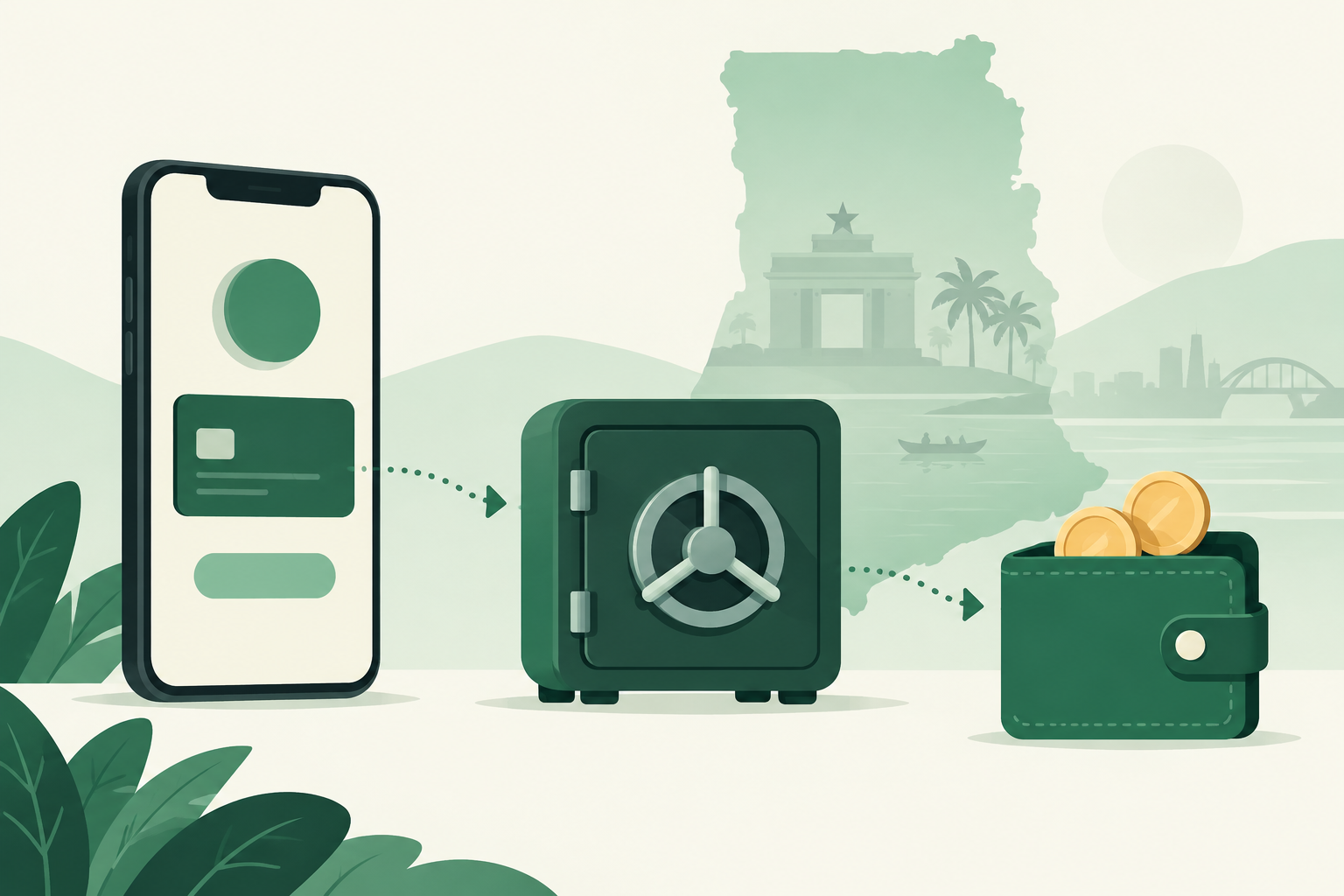
You can buy Bitcoin with MTN Mobile Money in Ghana through a peer-to-peer marketplace by finding a Bitcoin seller who explicitly accepts MTN MoMo payments in Ghanaian cedis, opening an escrow-protected trade, and paying according to the agreed instructions. On VouchEx, check current offers first: support for mobile money does not guarantee that an MTN MoMo offer in GHS is available when you visit. Never send money before the trade is open and the seller’s Bitcoin is locked in escrow.
Start with the right offer, not just the lowest price
A P2P purchase connects you with another person selling Bitcoin. You pay that seller using the agreed payment method; the marketplace provides the trade process and escrow.
VouchEx supports Bitcoin and USDT on TRC-20, with hundreds of payment methods across many local currencies. For this purchase, you need an offer that matches all three requirements:
- Asset: Bitcoin, not USDT.
- Payment method: MTN Mobile Money accepted for your Ghana-based payment.
- Currency: Ghanaian cedis, shown as GHS, with a clear amount to send.
Start at the VouchEx marketplace. Read the offer terms carefully rather than treating a general “mobile money” label as confirmation that your wallet is accepted.
If the payment method, currency, or recipient arrangement is unclear, ask before opening the trade. If there is no suitable offer, wait rather than agreeing to an informal payment outside escrow.
Anyone can post buy or sell offers on VouchEx for free, with no merchant deposit. Posting a buy offer is another option, but it does not guarantee a seller will respond or accept your preferred price.
Work out the total cedi cost
The cheapest-looking offer is not necessarily the cheapest route to Bitcoin in your own wallet. Compare offers using the same intended spending amount and the same destination: either your marketplace balance or an external Bitcoin wallet.
Separate the offer price from the fees
Your total cost can include:
- The seller’s exchange rate: This determines how much Bitcoin your cedis purchase before applicable charges.
- VouchEx’s buyer fee: Buyers pay 1% per completed trade. Sellers also pay 1%.
- Any MoMo transfer charge: Check the charge displayed through your payment provider before approving the transfer.
- A Bitcoin withdrawal fee: VouchEx charges $5, paid in BTC, for a Bitcoin withdrawal.
Deposits on VouchEx are free. That does not make a P2P purchase or a later withdrawal free.
Before committing, confirm whether the displayed Bitcoin amount already accounts for the buyer fee. Do not subtract the same fee twice. The seller’s separate fee is not a reason to accept an unexpected extra payment request after the trade begins.
Compare Bitcoin received, not just the headline rate
A useful comparison is:
Effective cost = total GHS spent ÷ BTC ultimately received
If you intend to withdraw, use the BTC that will reach your external wallet after the withdrawal fee. Otherwise, use the BTC credited from the completed trade.
The $5 withdrawal charge can matter especially for smaller purchases. Check the actual BTC deduction shown before withdrawing; its Bitcoin equivalent is not a fixed BTC amount.
Keep enough MoMo balance for both the agreed payment and any transfer charge. Do not assume you can send your entire available balance to the seller.
Step by step: from MTN MoMo to Bitcoin
1. Prepare your accounts before starting the timer
If needed, create a VouchEx account before choosing a trade. Use a unique password and enable optional authenticator-app 2FA, which protects withdrawals and releases.
Check that your MTN MoMo wallet can send the intended amount under its current balance and transaction limits. Resolve access problems or connectivity issues before opening a time-sensitive trade.
Use your own payment account. If the name visible to the recipient could differ from your verified identity, clarify whether the seller can accept that payment before starting. Do not conceal the mismatch or use another person’s wallet to bypass the terms.
2. Read the seller’s conditions
Confirm the accepted payment method, trade amount, and any requirements for identifying your payment.
Look for a straightforward arrangement with no surprise account swaps or extra verification payments. VouchEx offers verified badges through ID verification, but a badge is not a guarantee that every instruction is safe.
Avoid sellers who insist that you leave the marketplace for the actual transaction. A friendly conversation does not replace an escrow-protected trade.
3. Open the trade and confirm escrow
Every VouchEx trade is protected by escrow: the seller’s crypto is locked until they confirm receipt of payment.
Check that the trade is active and the Bitcoin is locked before sending MoMo. A screenshot or message claiming that escrow is funded is not a substitute for checking the trade itself.
Buyers have a 15-minute payment window, so have everything ready before this stage. Do not open several trades while deciding which one to pay.
4. Check the MoMo recipient before authorising payment
Compare the recipient number in the trade instructions with the number entered in your MoMo payment flow. Where a recipient name is displayed, check it against the agreed details too.
Pause if the seller suddenly changes the number, provides conflicting recipient information, or asks for an unexplained payment to someone else. Resolve the inconsistency within the trade before proceeding.
Send the exact agreed amount. Never share your MoMo PIN, one-time passwords, authenticator codes, or recovery information. A seller does not need those credentials to receive your payment.
5. Save the receipt and update the trade
After sending, check the transaction status through your own MoMo account. Save the transaction reference, amount, recipient details, time, and confirmation record.
Use the trade’s payment-confirmation process after you have actually sent the money. Do not indicate payment merely because you intend to send it.
If the transfer status is pending or unclear, report that accurately in the trade conversation. Avoid sending a second payment just because the first confirmation is slow.
6. Confirm Bitcoin receipt before withdrawing
The seller should confirm receipt of your payment before releasing the escrowed Bitcoin. Once released, check that the trade is complete and that the Bitcoin is available in your account.
If withdrawing, use a receiving address for Bitcoin on a compatible network. A TRC-20 USDT address is not a substitute for a Bitcoin address. Check the destination, asset, supported network, and fee carefully before authorising the withdrawal.
If you paid but the seller has not released
A delayed release is stressful, but paying again or cancelling without guidance can make the situation harder to resolve.
Start by distinguishing the payment’s actual status:
- Successful: Preserve the confirmation and ask the seller to check the transaction reference against their account history.
- Pending or unclear: Check through your own MoMo account and the provider’s official support channels before retrying.
- Failed: Verify that no funds were transferred before deciding what to do next.
Keep messages factual: state the amount, recipient, transaction reference, and status. Preserve the original records rather than relying only on cropped screenshots.
On VouchEx, disputes can be opened 3 hours after a trade starts. The person opening the dispute pays 1% of the trade, and moderators aim to resolve disputes within 2 hours. That resolution time is a target, not a guaranteed deadline.
The dispute waiting period does not extend the 15-minute payment window. If you have paid and the trade status becomes confusing, consult VouchEx help and preserve your evidence. Do not cancel solely because the seller says cancellation is necessary to release your Bitcoin.
Local safety checks worth keeping
Escrow protects the crypto side of the transaction, but it does not fix a transfer sent to the wrong MoMo number or remove Bitcoin’s price risk.
Before paying, also consider:
- Privacy: Share transaction evidence relevant to the trade, not your full wallet history or unrelated balances.
- Provider rules: Check current MTN MoMo terms and applicable Ghanaian requirements. Marketplace availability is not proof of regulatory approval.
- Budget: Use money you can afford to expose to Bitcoin’s price swings, not funds needed for immediate expenses.
- Records: Keep the trade details, payment confirmation, fee information, and any withdrawal record for reconciliation and possible reporting obligations.
A good purchase is not simply the one with the most attractive advertised rate. It is one where the payment instructions are clear, the total cost is understood, and every important step can be documented.
FAQ
Can I buy Bitcoin with MTN Mobile Money on VouchEx in Ghana?
Only if a current seller accepts MTN MoMo for your Ghanaian-cedi payment, or a seller agrees to your suitable buy offer. VouchEx supports mobile money broadly, but that does not establish live availability for this particular combination.
What fees should I budget for?
VouchEx charges the buyer 1% per completed trade. Allow for any MoMo transfer charge and the seller’s quoted exchange rate. If you withdraw Bitcoin, VouchEx charges $5 in BTC. Check the trade and withdrawal details before confirming.
How long do I have to make the MoMo payment?
The buyer’s payment window is 15 minutes. Prepare your balance, account access, and payment details beforehand. If a transfer becomes pending, preserve its reference and report the status accurately rather than sending another payment automatically.
What if the seller asks me to pay outside the trade?
Do not send payment outside an active escrow-protected trade. Decline requests for separate deposits, additional “unlocking” payments, or transactions moved to private messaging. Escrow cannot protect a separate informal arrangement in the same way.
Do I need to buy USDT before buying Bitcoin?
No intermediate USDT purchase is necessary if you find a suitable direct Bitcoin offer. VouchEx supports both assets, but they are distinct. Buying USDT first would require another transaction to obtain Bitcoin; do not assume an automatic conversion is available.
Start Trading on VouchEx with 0% Listing Fees
Explore the open P2P software protocol.